
Schemo documentation
Learn to send requests, inspect responses, and test APIs in the Schemo desktop app for macOS, Windows, and Linux.
Start here
InstallationInstall Schemo on macOS, Windows, or Linux.
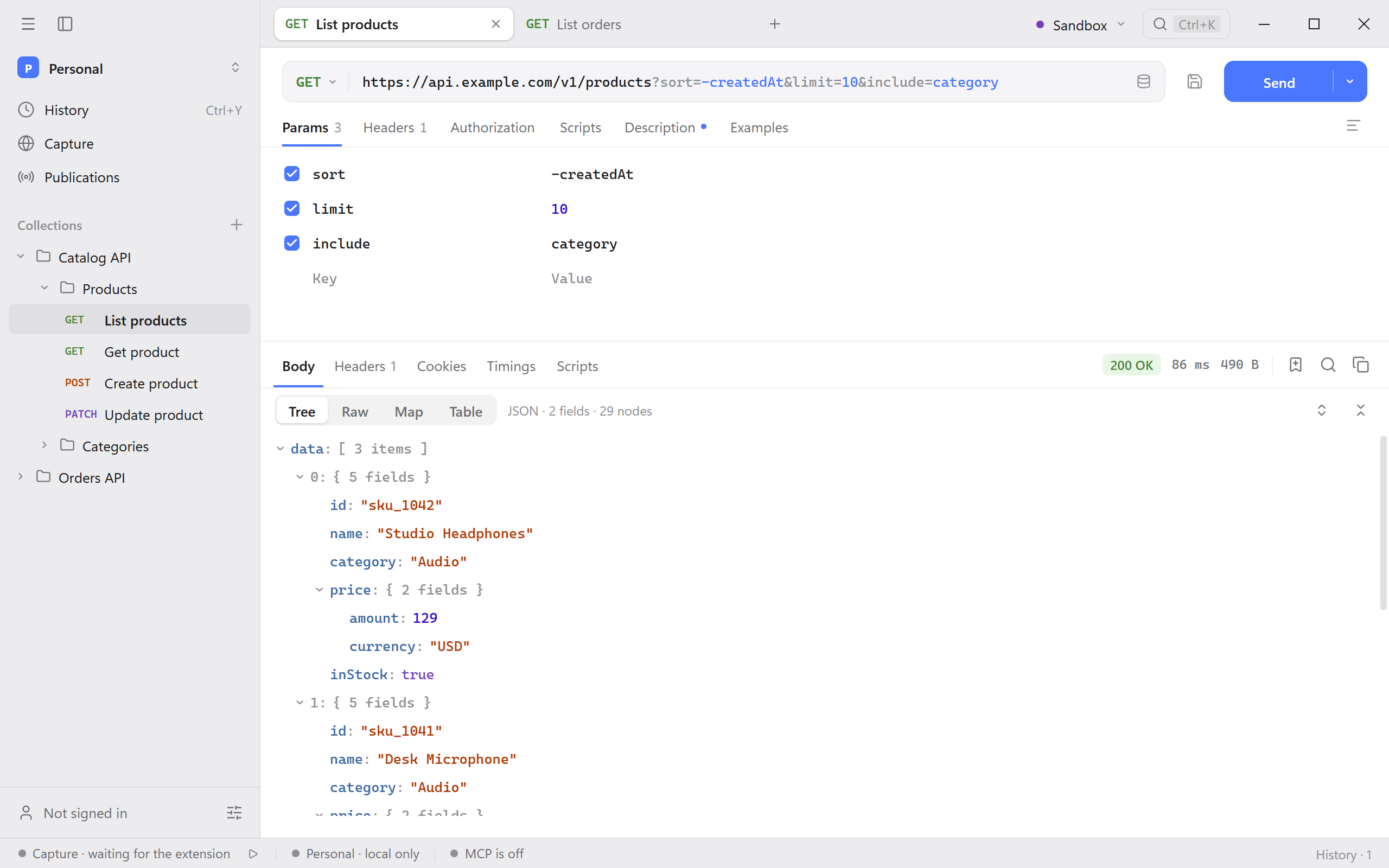
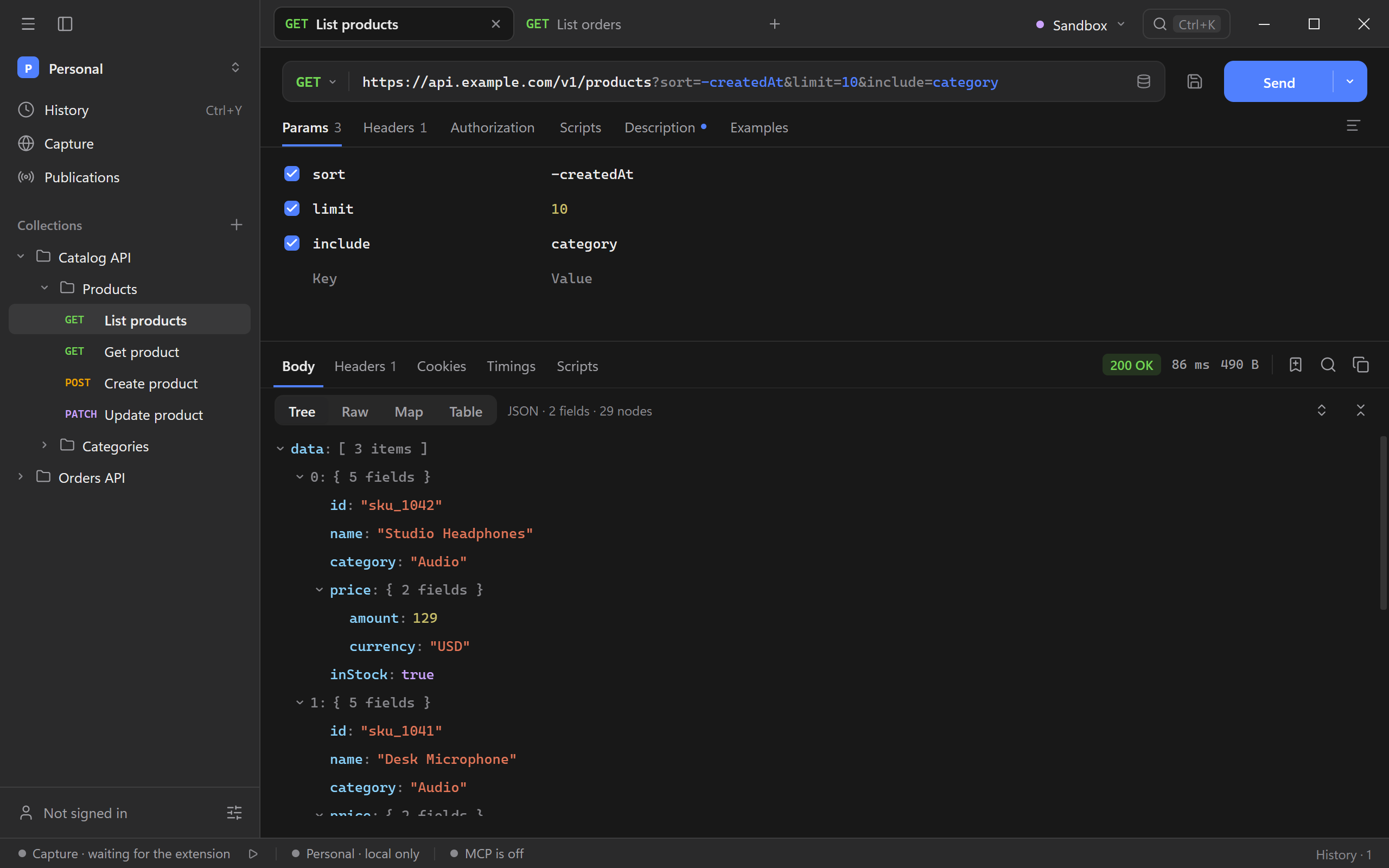
Quick startSend a GET request in Schemo and read the JSON response.
Migrate from PostmanImport a Postman collection and verify it against your API.
Guides
- Import an OpenAPI spec and send a generated request.
- Trace a slow request to find time spent connecting, waiting, or downloading.
- Turn a response value into a check to catch a regression on the next run.
- Export filtered rows to CSV with just the columns you need.
Browse all guides or run the Catalog API to follow the examples shown in the guides.
Local and cloud
Start in a local workspace without signing in. Connect Schemo Cloud to sync workspaces, work with a team, or publish collection documentation.
Protocols
- HTTP
- Build an HTTP request and inspect its status, headers, and body.
- GraphQL
- Load a schema, pick an operation, and send queries or mutations with variables.
- gRPC
- Load services through reflection or .proto files and invoke unary or server-streaming methods.
- WebSocket
- Open a connection, send messages, and read the log of sent and received messages.
- SSE
- Read named events from a live HTTP stream.
Features
- Collections and environments for reusable requests, API hosts, and credentials.
- Response inspector for response bodies, headers, and timings.
- Scripts and collection runs for checks you can repeat.
Integrations
- Browser capture
- Capture the requests a web page makes in your browser, inspect them, and send them again from Schemo.
- MCP
- Connect an AI agent to Schemo and choose the workspaces and actions it can access.
- Schemo Cloud
- Sign in to sync workspaces across devices and publish collection documentation.
Support
Find help with connection or startup errors, look up a setting, or back up and move your local data.