
Cookies
Inspect response cookies and manage the workspace cookie jar.
The response Cookies tab shows cookies associated with the exchange. Use it to check a session or diagnose a request that behaves differently after sign-in.
Session cookies
- Start the Catalog API.
- Send
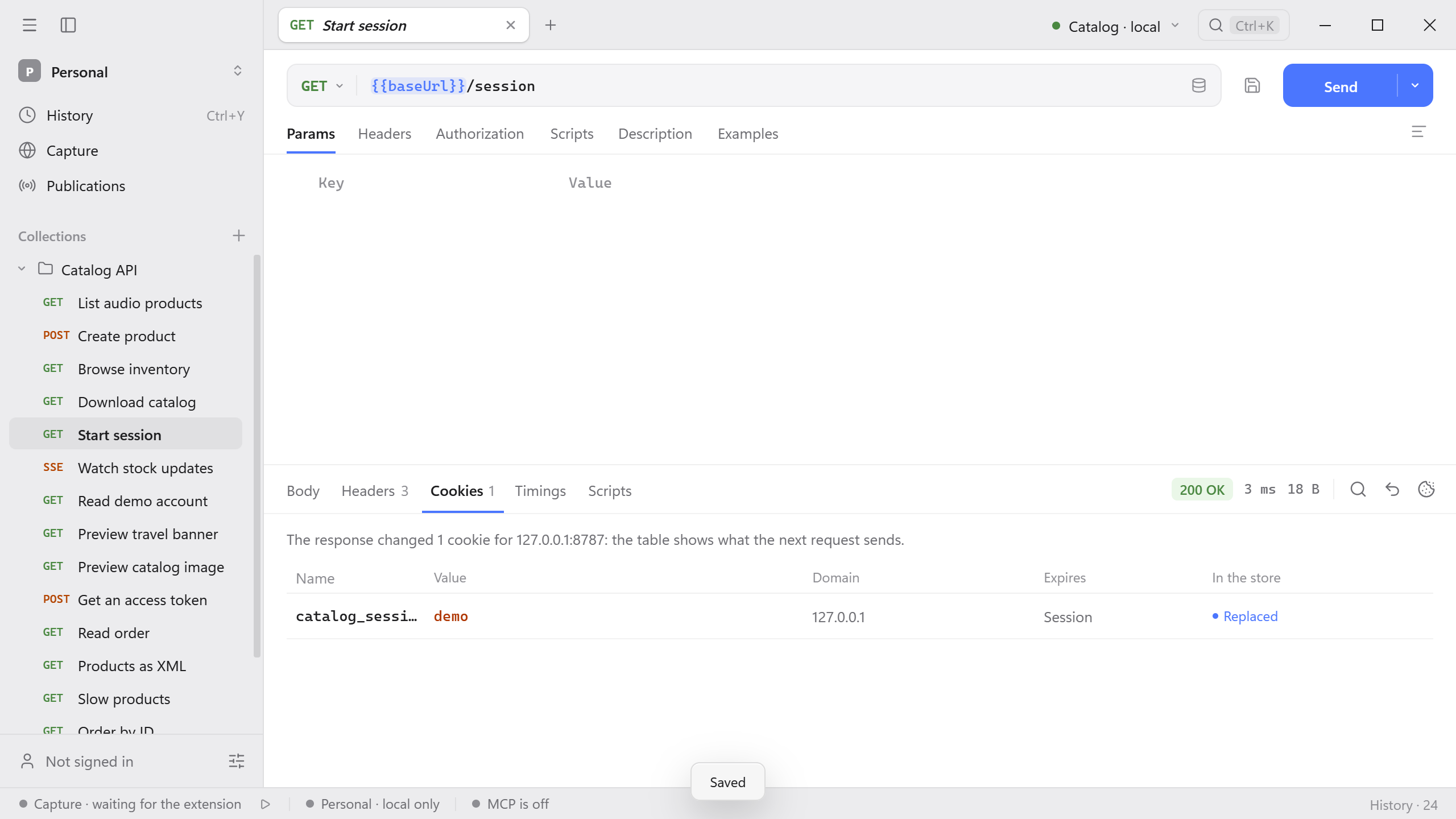
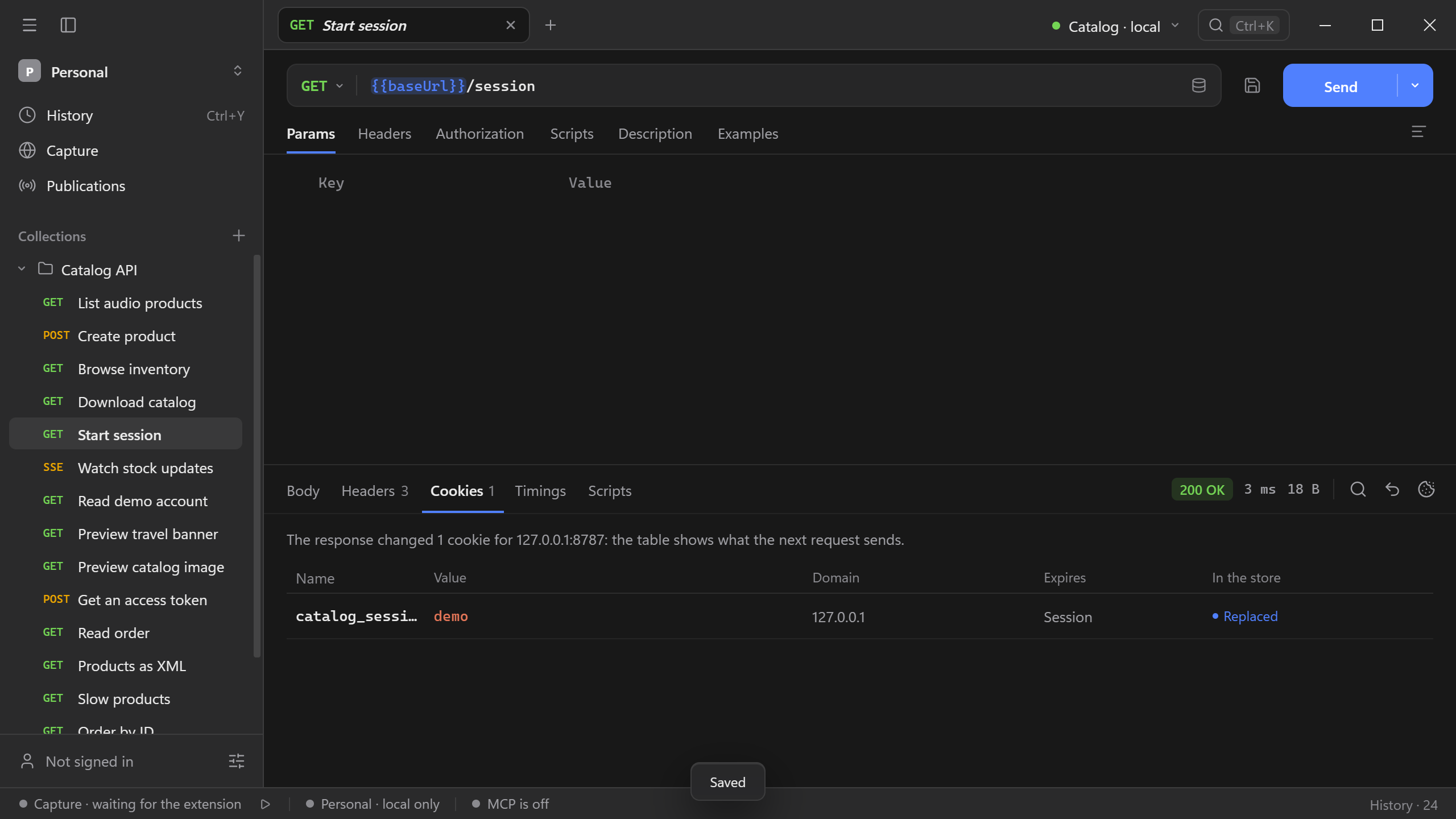
GET http://127.0.0.1:8787/session. - Open Cookies in the response. The server returns
catalog_sessionfor the local host. Compare the cookie entry with theSet-Cookieheader under Headers.
Cookie manager
Schemo keeps cookies from responses in the workspace’s cookie jar and sends them with later requests to the same domain. To open the cookie manager, select a cookie row in the response Cookies tab, or select the cookie icon in the response toolbar. The manager opens at the domain of that response.
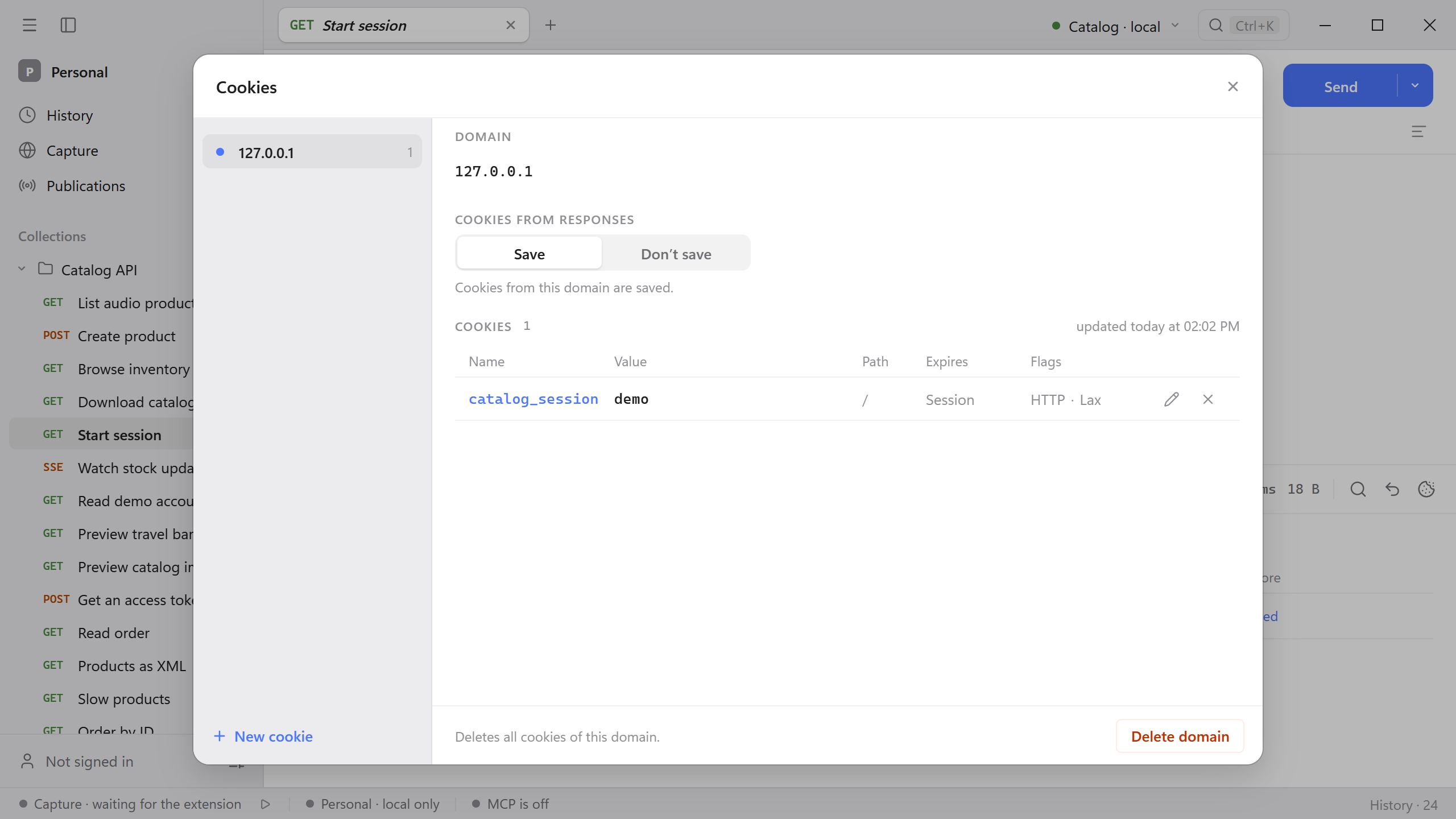
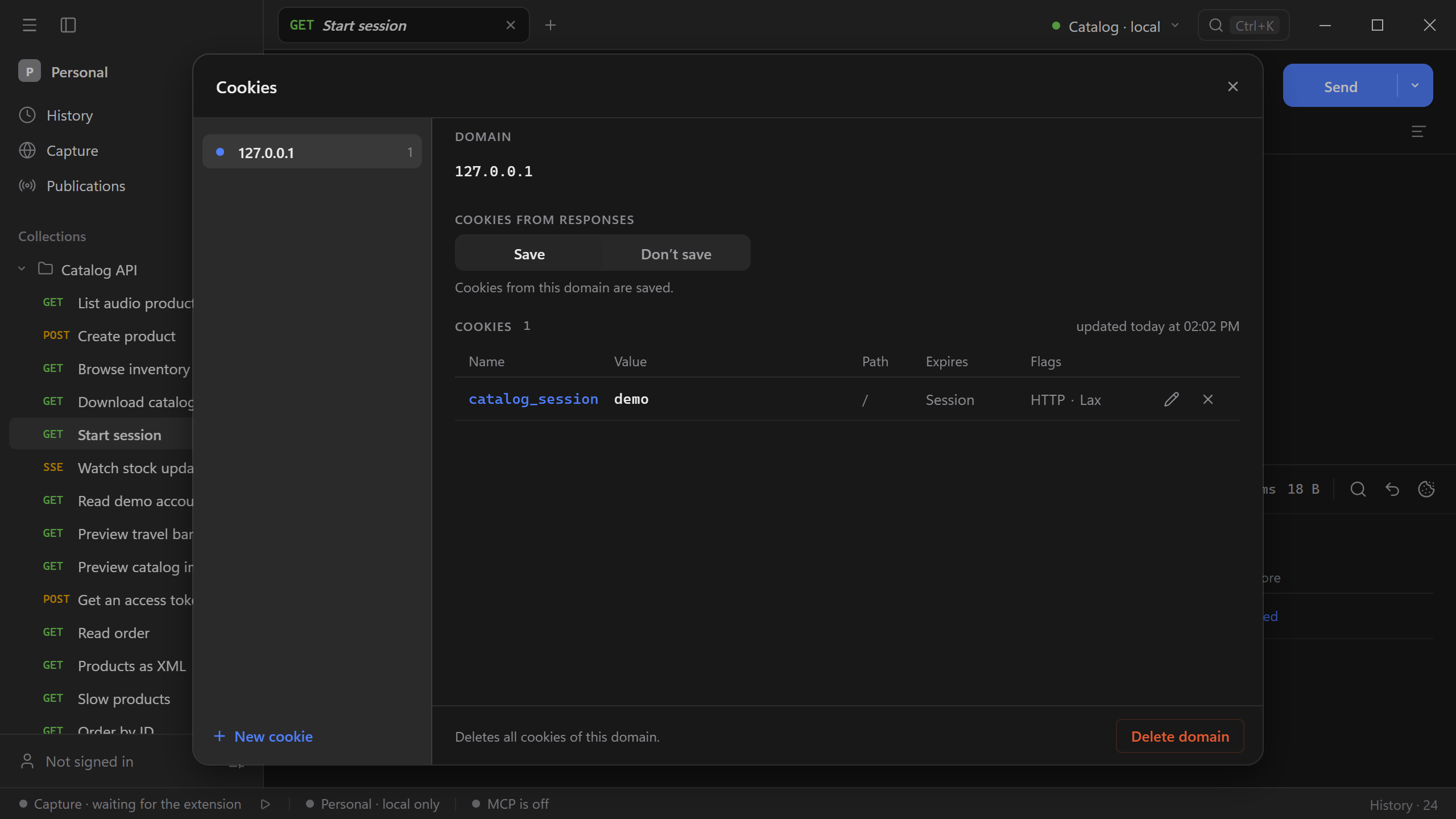
The list on the left shows each domain and how many cookies it holds. For the selected domain you can:
- Stop saving its cookies. Under Cookies from responses, choose Don’t save. Responses from that domain still show their cookies, but the jar no longer stores them.
- Edit a cookie. Select the pencil icon to change its value, domain, path, expiry, SameSite, Secure, or HttpOnly. The response the cookie came from is not changed.
- Delete a cookie. Select the cross icon on its row.
- Delete the domain. Select Delete domain to remove all its cookies and its Don’t save setting. If the server sends cookies again, the domain comes back.
Select New cookie to add a cookie by hand, such as a session copied from a browser. A domain with a leading dot, such as .example.com, also covers its subdomains. Leave Expires empty for a session cookie, which is deleted when you quit Schemo.
The Flags column shows HTTP for HttpOnly cookies, Sec for cookies sent only over HTTPS, and the SameSite value (Lax when the server named none).
Cookie settings
To test an HTTP request without the cookie jar, turn off Send cookies from the store under Settings → Requests. A Cookie header that you add to the request yourself is still sent.