
Node inspector
Decode tokens and timestamps, copy paths and types, and reuse a response value in the next request.
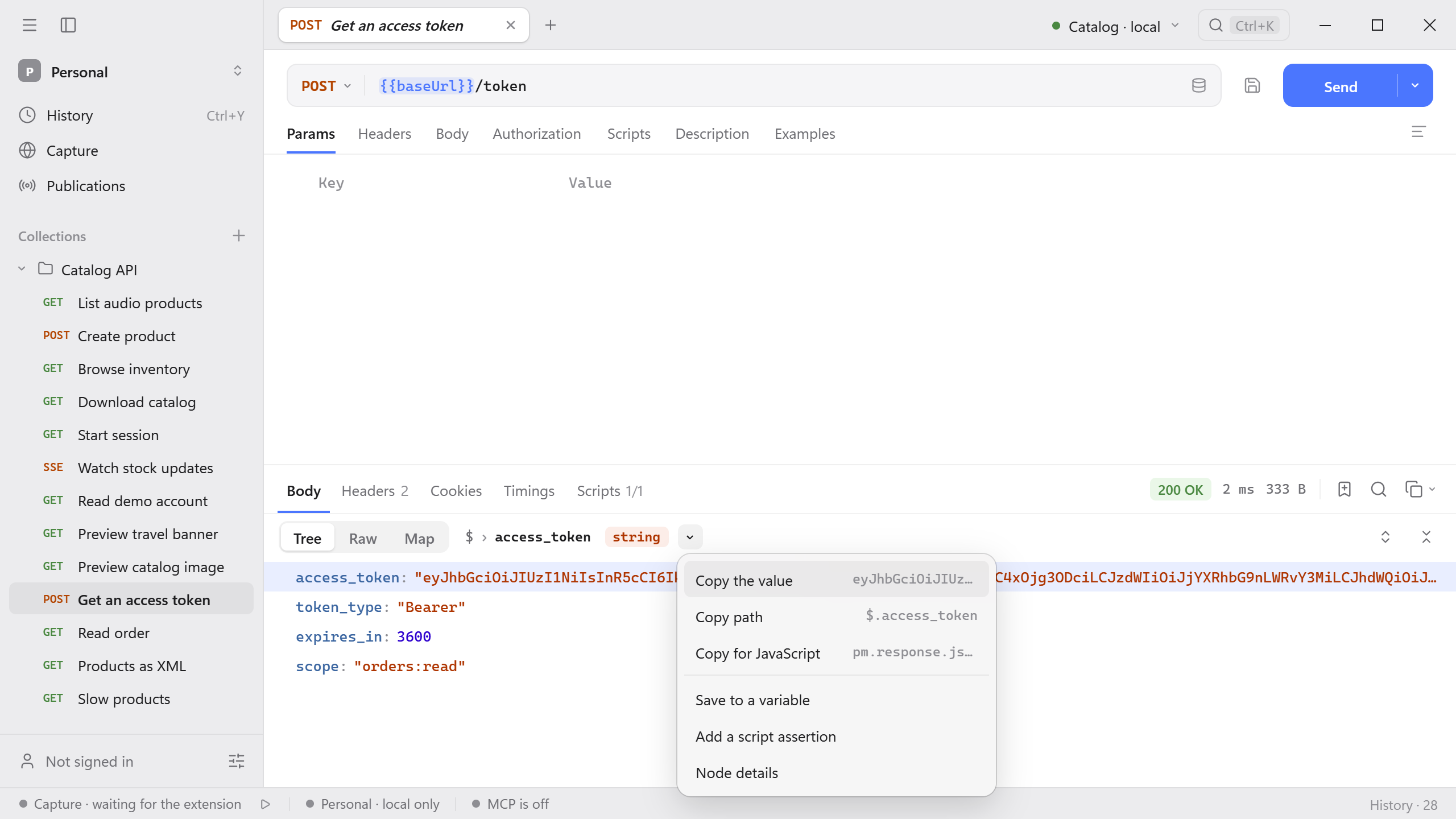
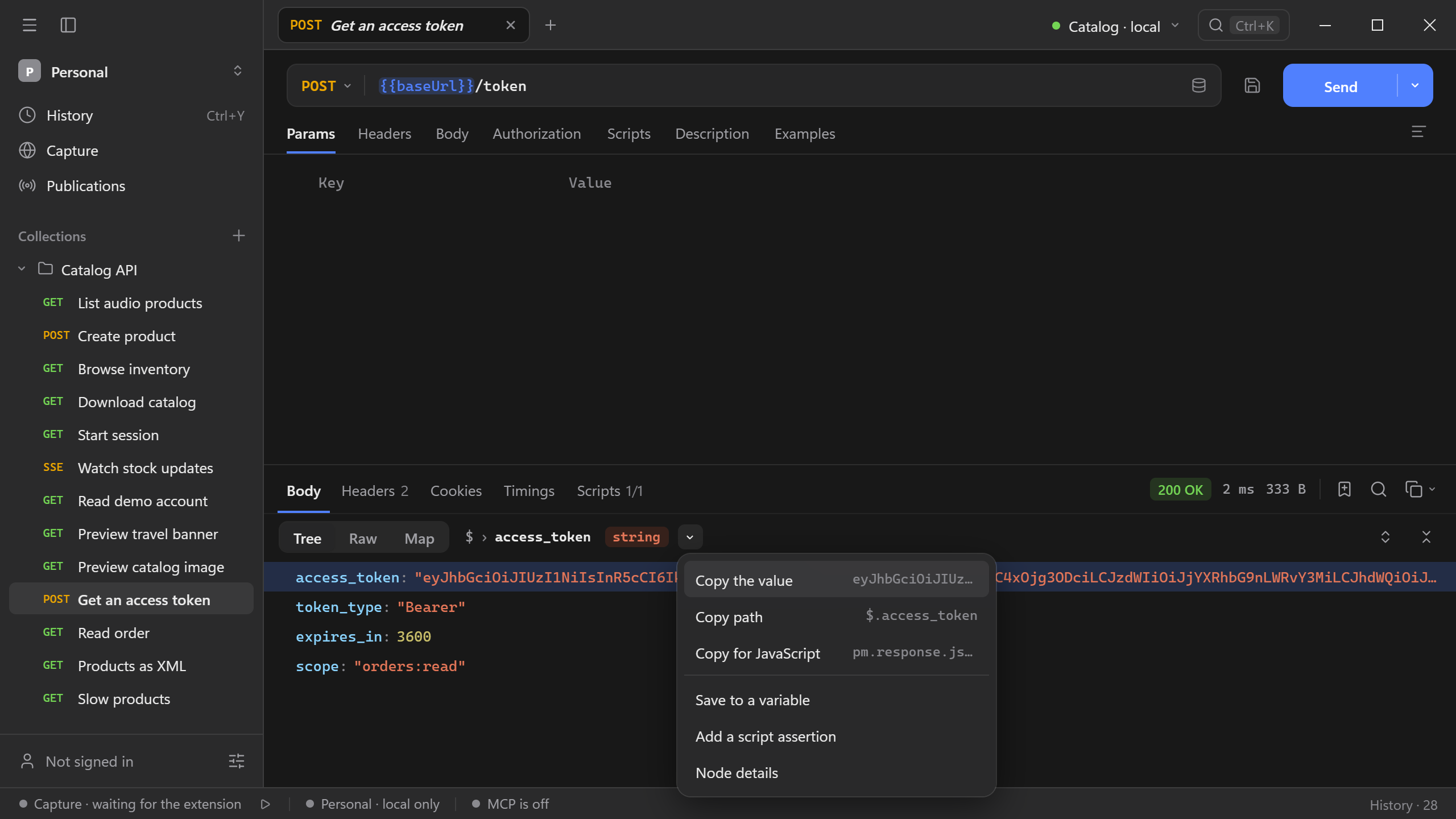
Select any value in the Tree view of a JSON response and Schemo shows where it sits and what it can do with it. The bar above the tree turns into a breadcrumb with the value’s type, and its menu offers copy, save, and check actions.
Node actions
- Send a request and open Body → Tree.
- Select a key or value. The bar above the tree shows the path, such as
$ › access_token, and the value’s type. - Open the menu beside the type, right-click the row, or press Cmd/Ctrl + Alt + I.
Select a breadcrumb segment to move to the parent value.
| Action | What it does |
|---|---|
| Copy the value | Copies the value. |
| Copy path | Copies the JSONPath, such as $.customer.email. |
| Copy for JavaScript | Copies an expression for scripts, such as pm.response.json().access_token. |
| Save to a variable | Stores the value in the active environment or in globals. See Reuse a value in the next request. |
| Add a script assertion | Appends a check to the request’s post-response script, for example pm.test("scope", () => pm.expect(pm.response.json().scope).to.equal("orders:read"));. Save the request to keep it. |
| Node details | Opens the details panel described below. |
Node details
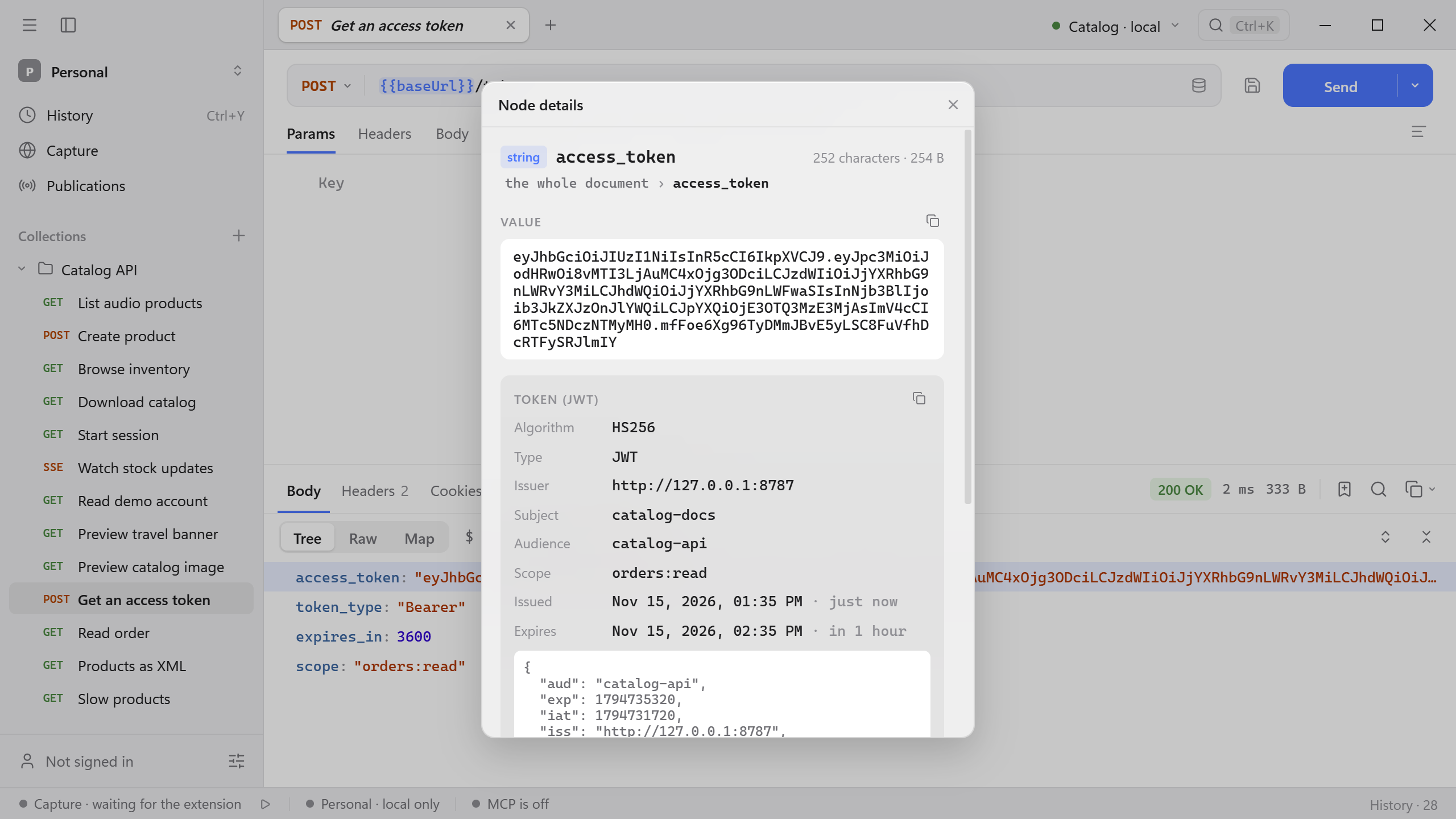
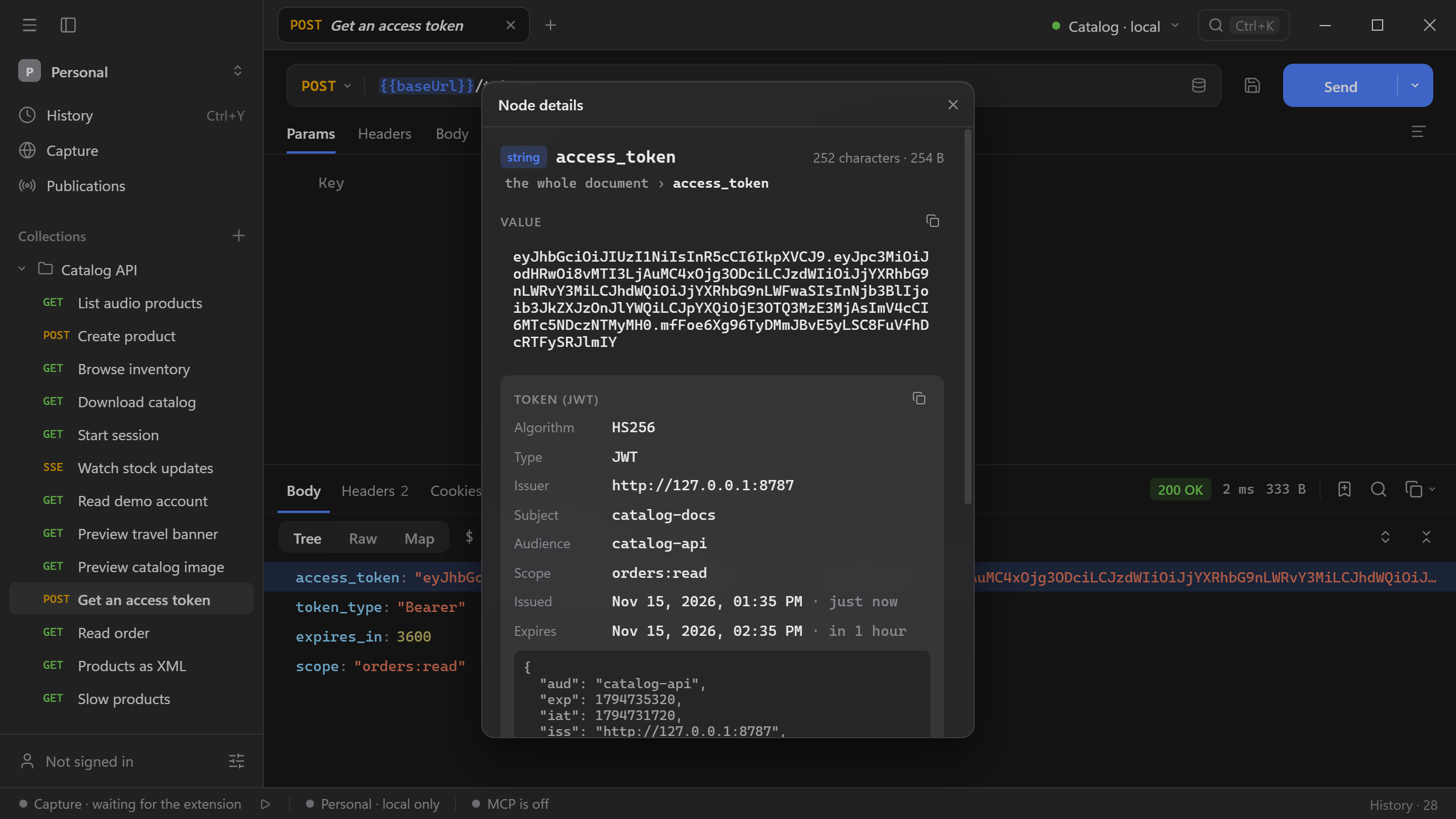
Node details shows the value’s type and size, its full text, and how Schemo reads it. Try it on the Catalog API: send Get an access token and open the details of access_token. Schemo recognizes a JWT and decodes its header and claims, including when the token was issued and when it expires.
Schemo recognizes these values in strings and numbers:
| Reading | What you see |
|---|---|
| Token (JWT) | Algorithm, type, key ID, issuer, subject, audience, scope, and the issue, not-before, and expiry times, plus the decoded claims. |
| Unix time | Whether the number is in seconds or milliseconds, and the moment it stands for. |
| Date and time | The moment in your time zone, and how long ago or how soon it is. |
| UUID, ULID, MongoDB ObjectId | The version, and the creation time when the ID contains one. |
| Address | The scheme, host, path, query, and fragment of a URL. |
| Email address, IP address | The name and domain, or whether the address is public, private, loopback, or another range. |
| Colour | A swatch for a hex color. |
| Data address, Base64 | The media type and size, and the decoded content. |
| JSON inside the text | The parsed structure of a JSON document stored as a string. |
| Digest | Which hash function produced a hex string of that length. |
| Too large for JavaScript | A warning that a JSON integer is outside JavaScript’s safe integer range. Open Raw to check the digits received from the server. |
The tree also shows a readable date beside timestamps, so you can scan placedAt or updated without opening the panel.
Under Address, Node details lists the value’s location as JSONPath, a jq filter, JavaScript, Python, and a Postman expression. Select a line to copy it.
Objects and arrays
For an object or array, Node details lists its members and adds actions under Use:
- Copy as written copies the JSON exactly as the server sent it.
- Copy as a type generates a TypeScript, Go, Python
TypedDict, or JSON Schema definition from the value. - Use as the request body puts the value into the open request’s JSON body. Choose As it is, or Without what the server writes to drop server-managed fields such as
created_at,updated_at, and_linksbefore you send the object back. Schemo asks before it replaces an existing body.
Reuse values
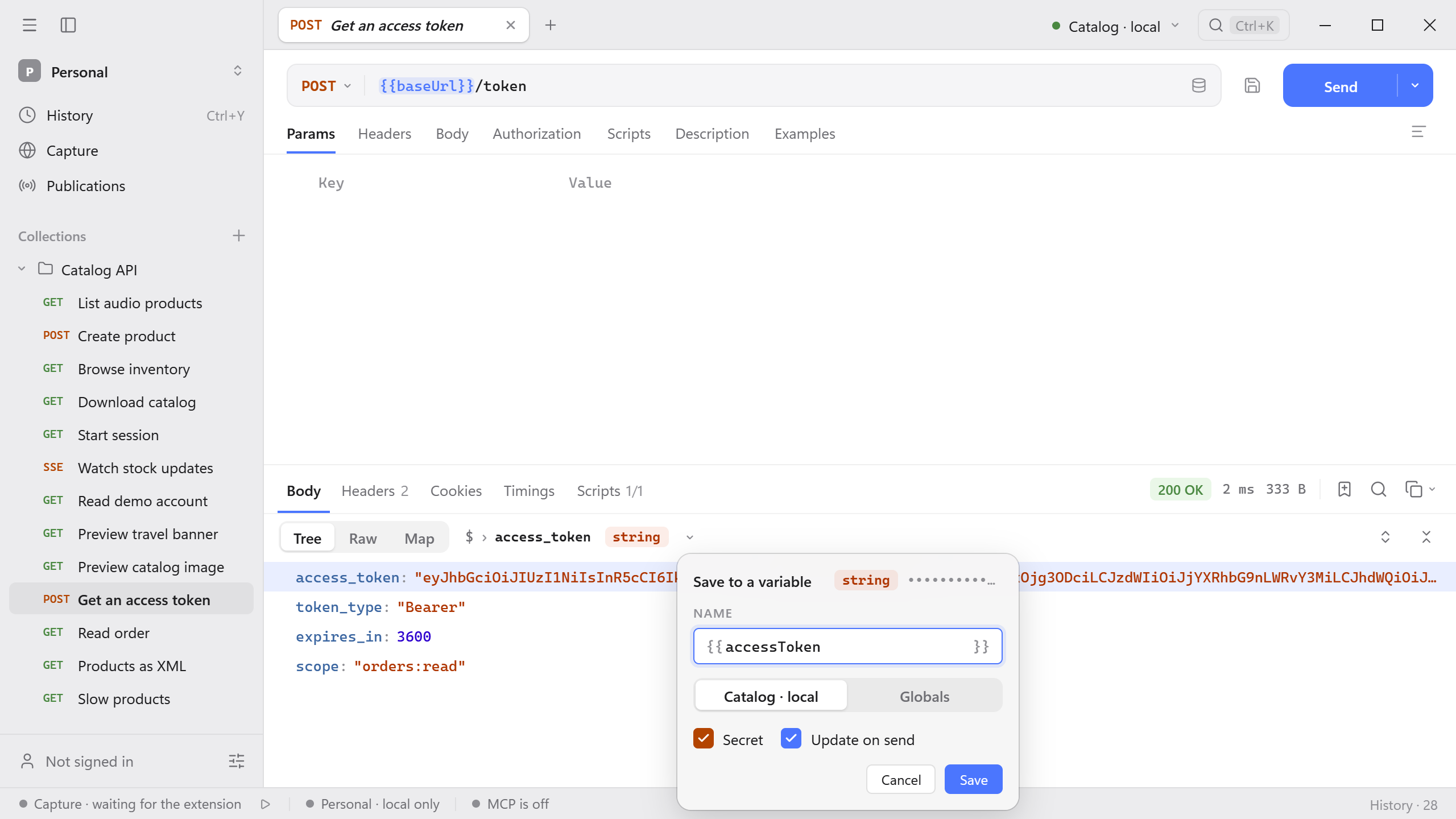
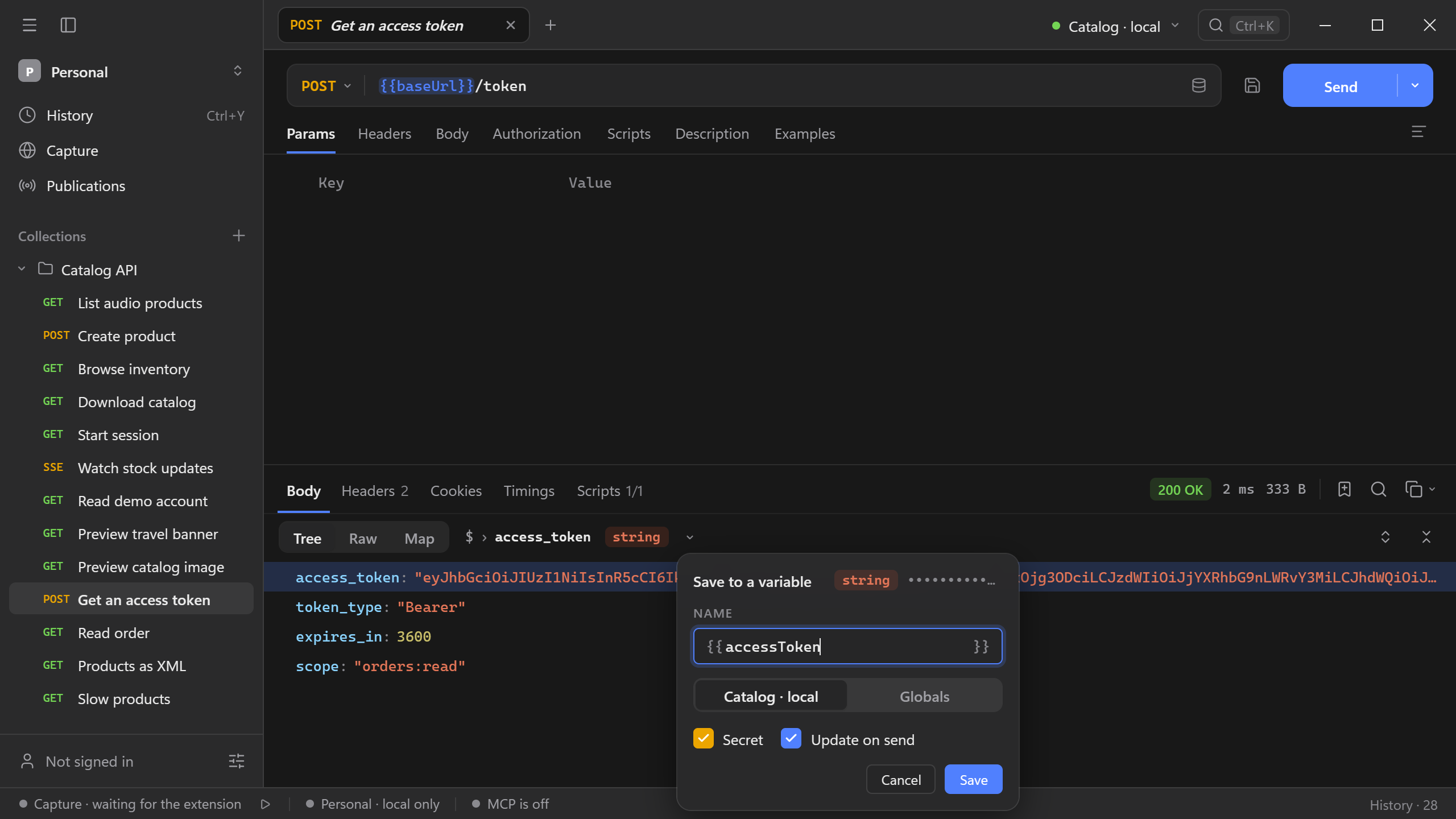
A value saved with Update on send becomes a capture: Schemo reads it again every time the source request runs. Use it to pass a token or an ID from one request to the next.
- Send Get an access token, select
access_token, and choose Save to a variable. - Name it
accessTokenand choose where it goes: the active environment or Globals. Schemo marks a token as Secret by default, which masks it in the interface and leaves it out of exports. - Keep Update on send selected and choose Save.
- In Read order, open Authorization, choose Bearer token, and enter
{{accessToken}}. Send it and the API returns the order.
Captures of the request appear under Scripts → Captures, each with its source and destination. Pause a capture to keep the current value, or remove it. You can also save a response header or cookie to a variable from the Headers and Cookies tabs.
Try Pass a token from one request to another or Turn a response value into a regression check for complete workflows.