
Request body
Send structured data, multipart form fields, or a file in an HTTP request.
Use Body → Format on an HTTP request that sends a payload. Choose the format the endpoint expects, then check Headers for any content type required by that endpoint.
Choose a format
| Format | What to enter |
|---|---|
| JSON | A JSON value, such as an object for a create request. |
| XML | An XML document. |
| Raw text | Plain text or a custom text format. |
| Form data | Multipart fields, each with a name and a text or file value. |
| Binary file | A single local file sent as the request body. |
Try a JSON body
Start the Catalog API. Open an HTTP request with method POST and address
http://127.0.0.1:8787/products.Select Body → Format → JSON and paste the following payload.
{
  "name": "Travel Pouch",
  "category": "travel",
  "price": 24
}
Select Send. The test API returns 201 Created with the fields you sent,
id: "p-demo", andinStock: true.
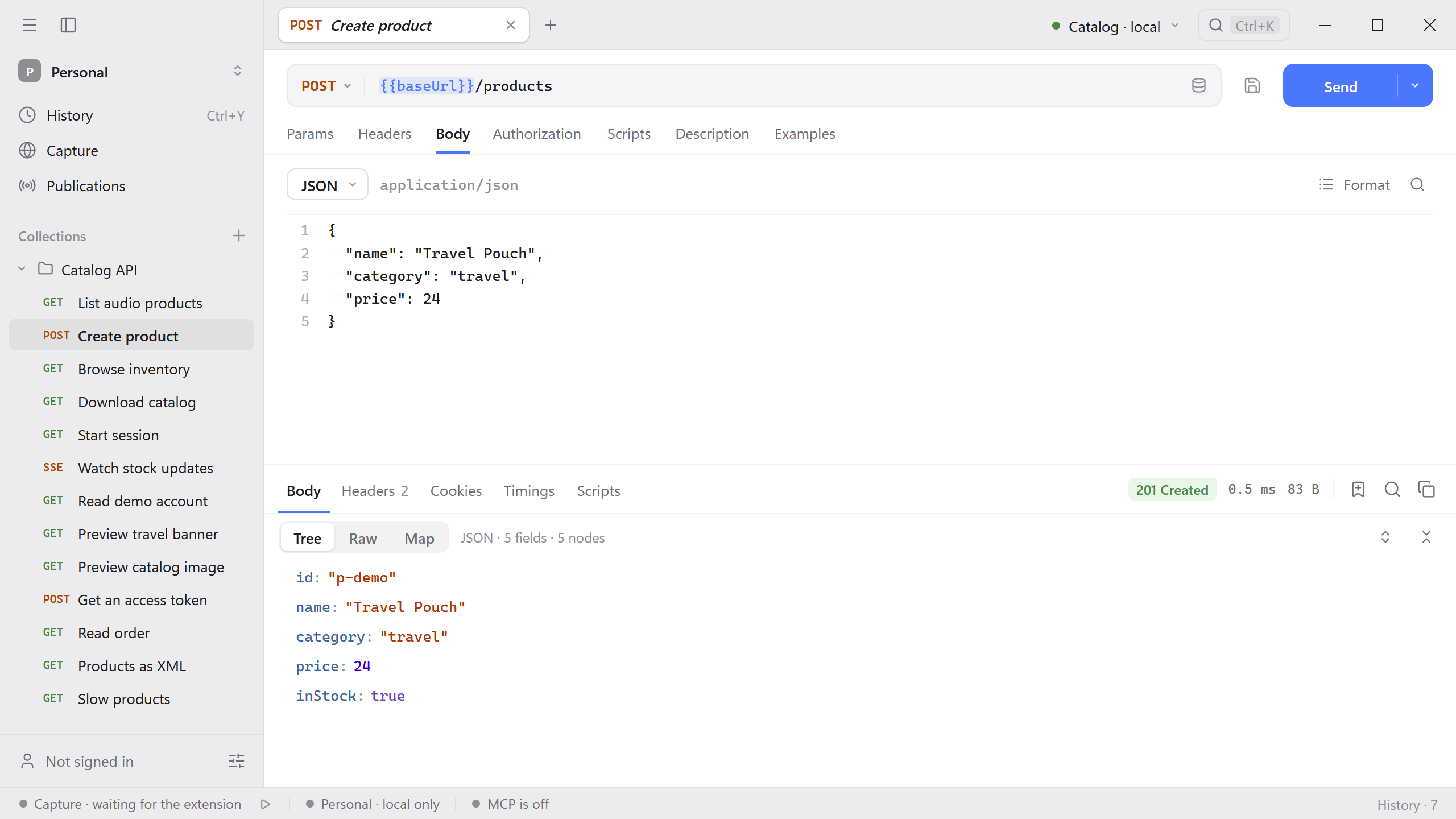
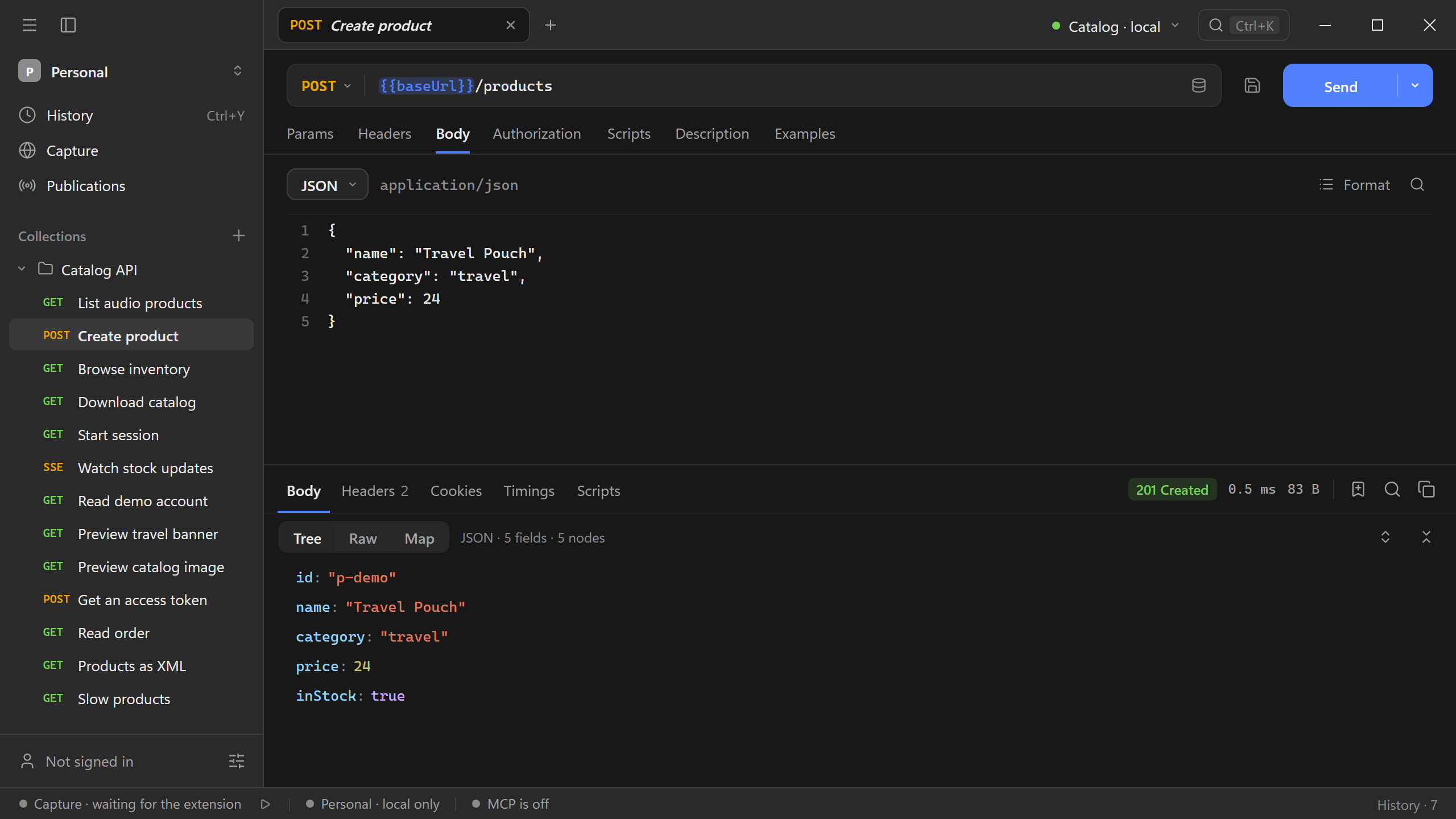
Use the format action to reindent JSON or XML. Use the search icon in the body editor to jump to text in a long payload.
Attach a file
For an endpoint that expects a multipart upload, select Form data, add the named field from the API documentation, and choose Make it a file field. For an endpoint that expects the file bytes as the whole payload, select Binary file, then Choose a file.
Follow Upload a file with form data to send a file alongside a text field and verify the response.