
Descriptions and response examples
Document a request and keep representative responses alongside it.
Save a request before writing its description or keeping examples. Use Description to record when to call the endpoint, which inputs to send, and what a caller can expect.
Edit a description
Open Description and select Add description. To change existing text, double-click the description or select the Edit description pencil. In the visual editor, use the toolbar to add headings, lists, links, or inline code. Open Insert for a table or a code block.
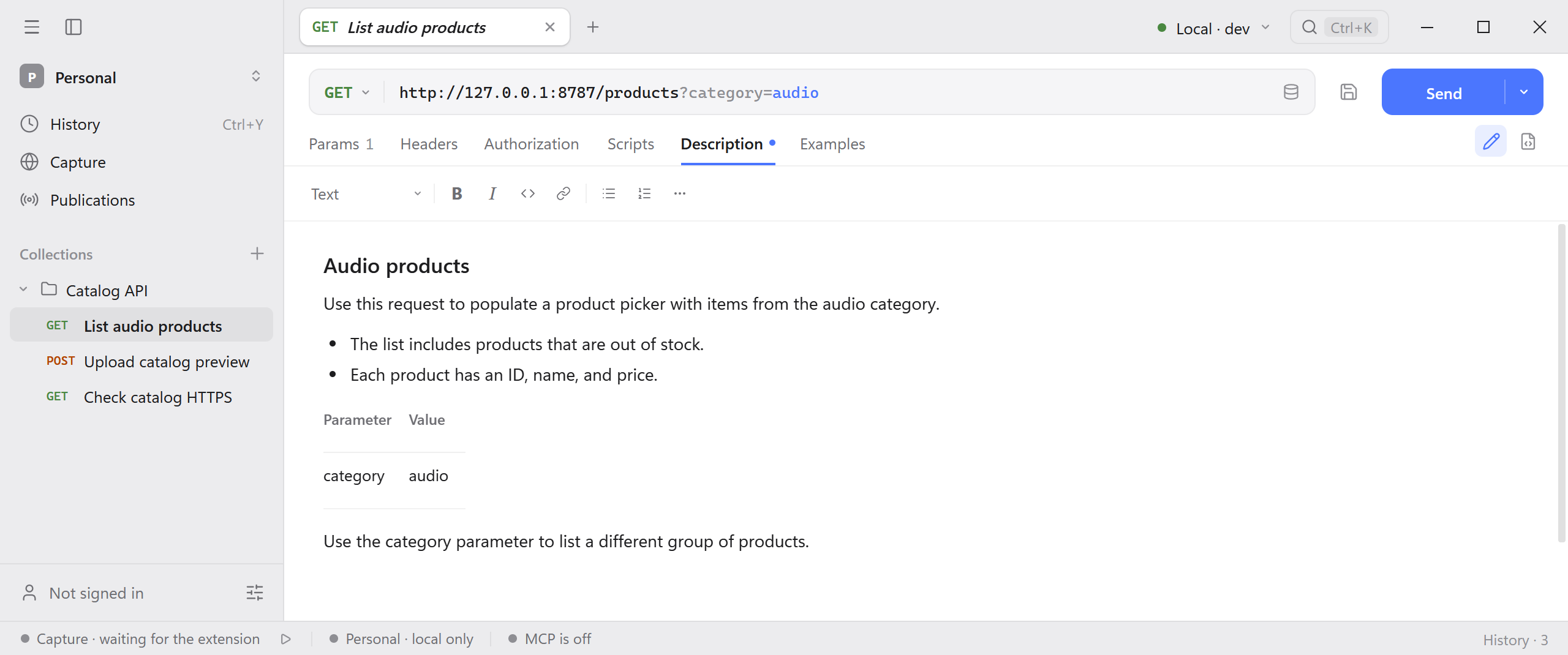
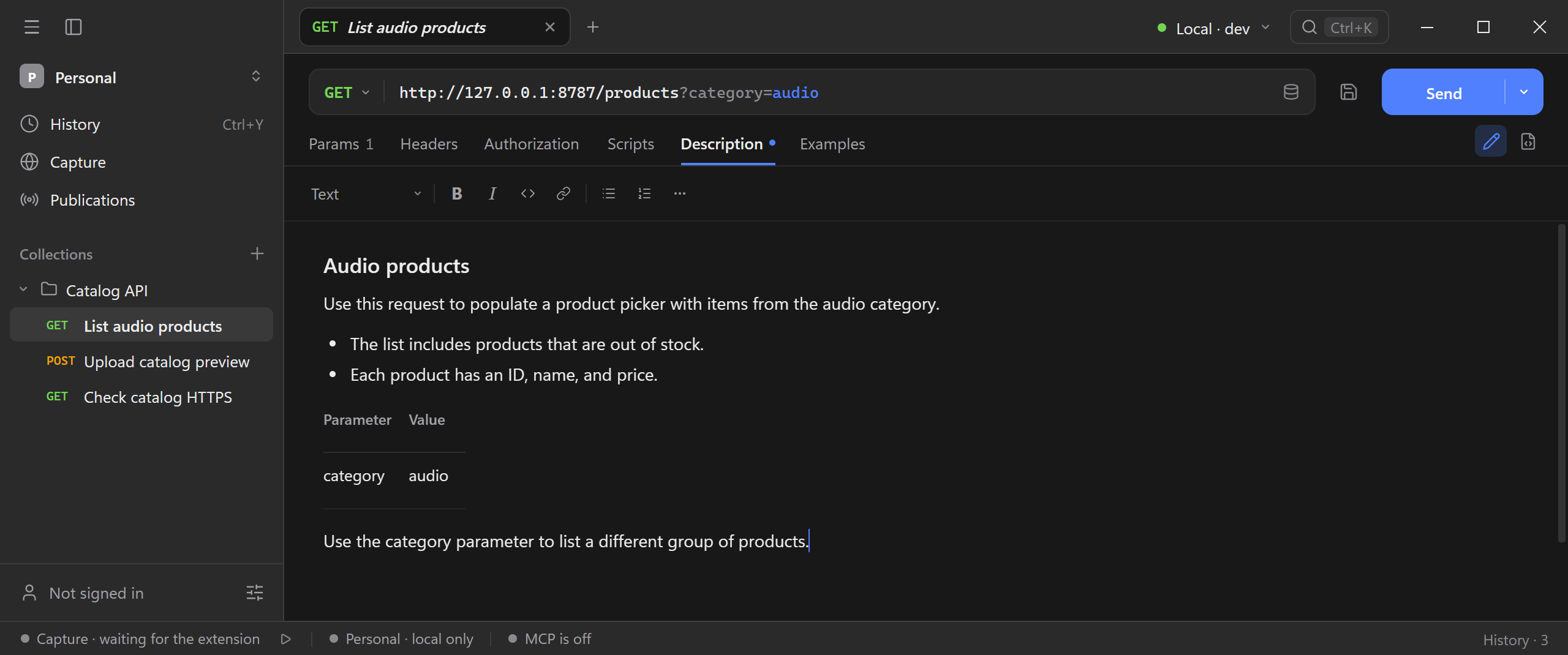
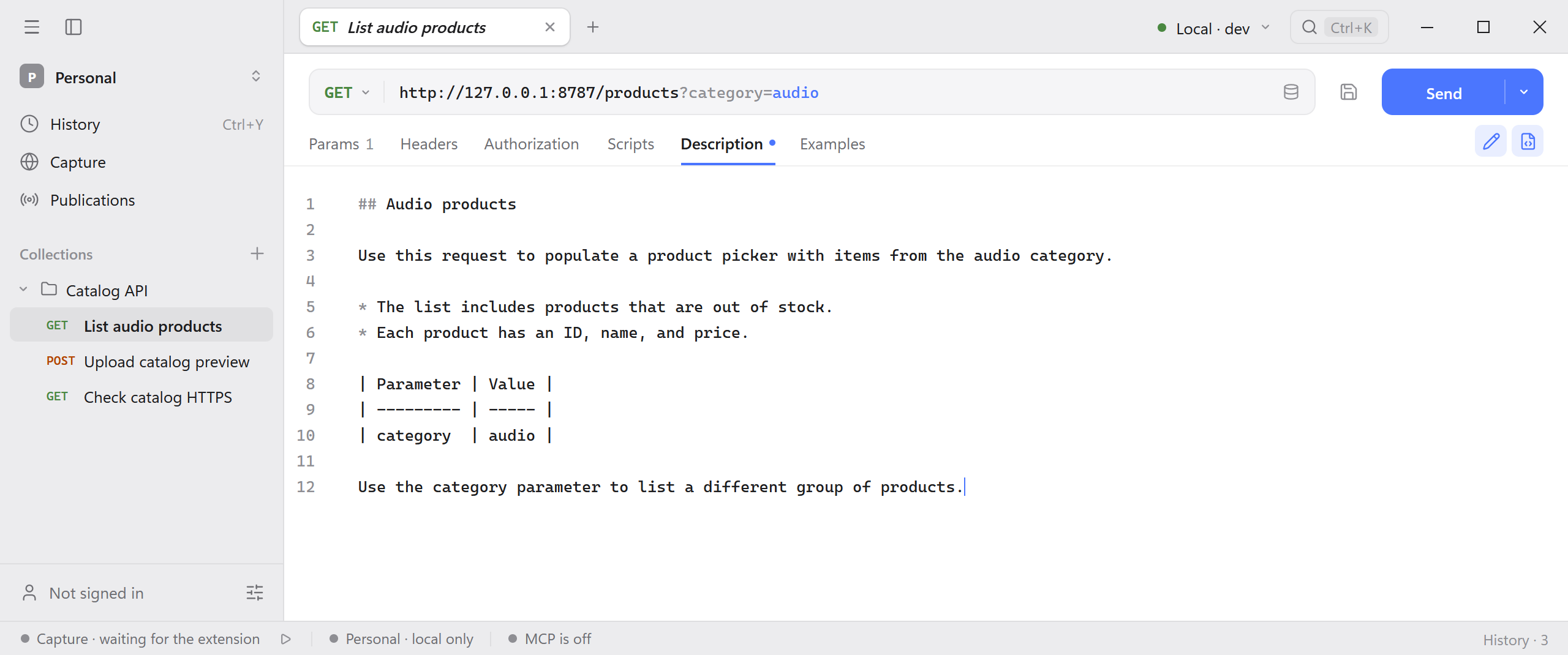
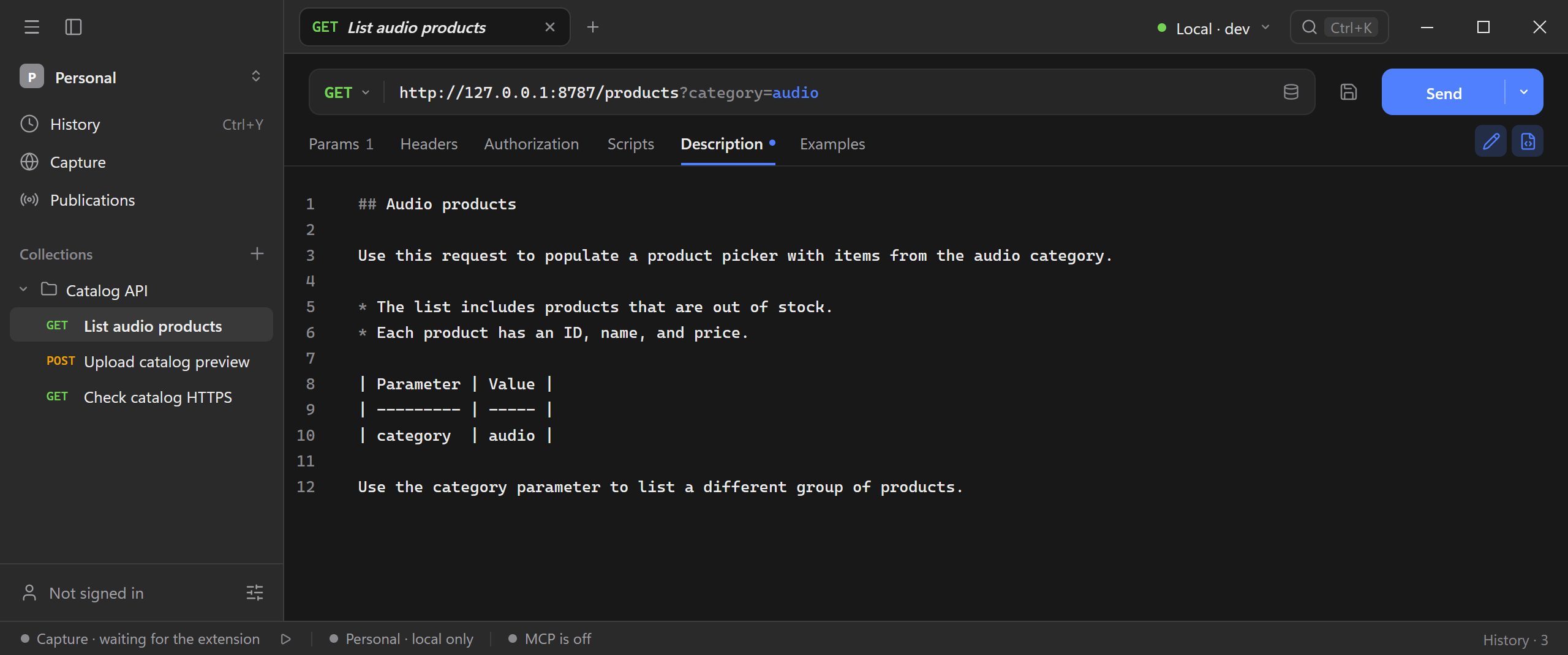
Select Markdown source beside the pencil to edit or paste Markdown directly. Select it again to return to the visual editor. Both views edit the same description. Select Finish editing to return to the rendered page. Schemo saves the description automatically.
Keep a response
- Send the saved request.
- In the response tab row, choose To examples on a supported response.
- Give the example a name that describes the case, such as 200 – Audio products.
- Open the request’s Examples tab and select the example to review it without sending the request again.
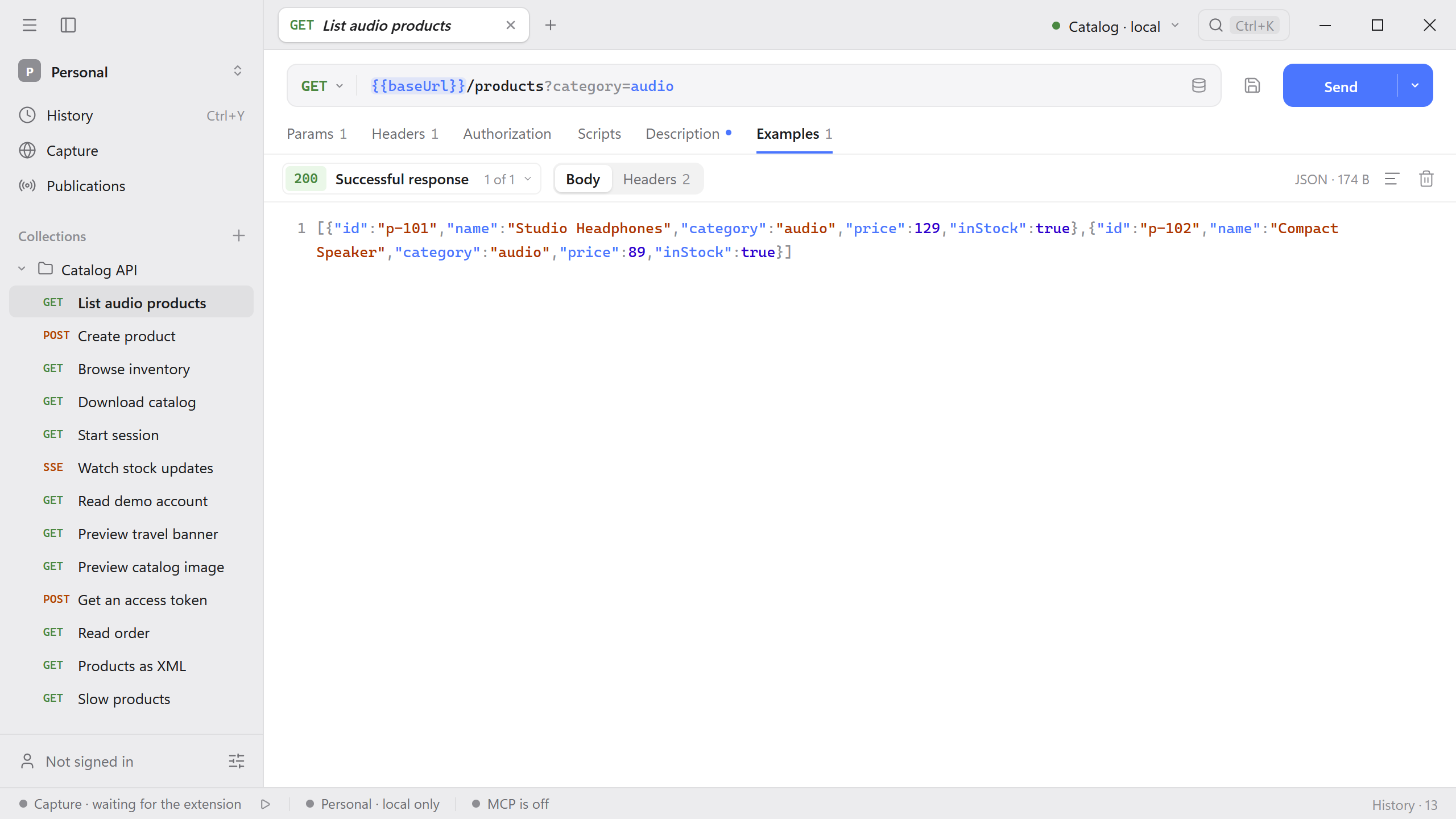
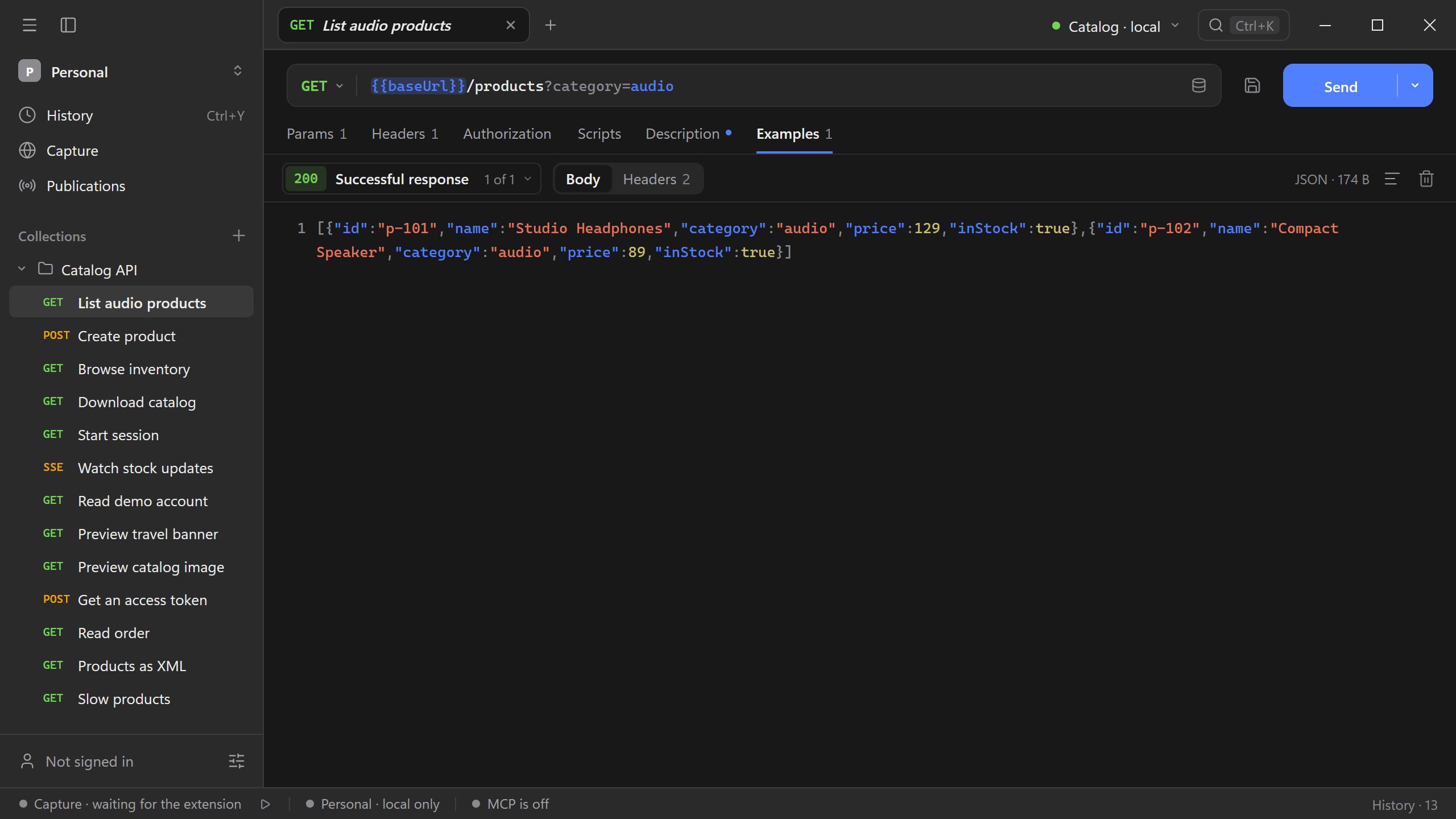
You can keep examples for different outcomes. An example belongs to the saved request. History keeps the exchanges you actually ran and shows their original timing and status.
Blank examples
Use a blank example to document an error or a response your API does not return yet.
- Open Examples on a saved HTTP request. Choose Blank example. If you already have examples, open the picker beside the example name first.
- Enter a name such as Order not found and replace the status code with
404. - In Body, enter
{"error":"Order not found"}. Use Headers to edit or add response headers. A blank example starts with a JSONContent-Type.
Publish examples
For a collection you intend to publish, review the descriptions and examples that readers will see. See Schemo Cloud for publication options.