
Quick start
Send a GET request in Schemo and read the JSON response.
Send a request to JSONPlaceholder and inspect a list of posts. The example uses a public endpoint that requires no credentials.
Set up the request
Select + in the tab bar to open a request.
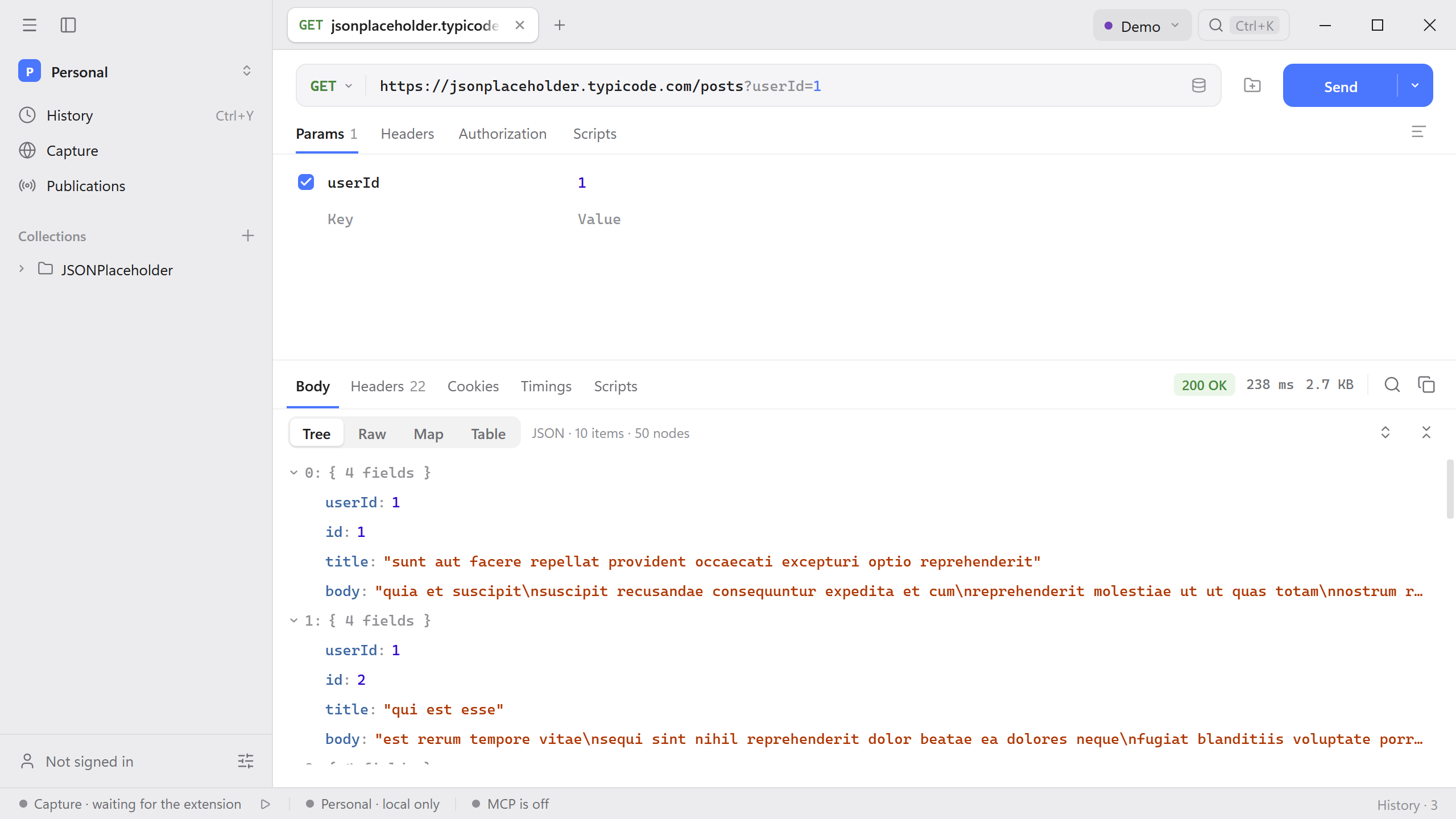
Leave the method set to GET and paste the address into the request field.
https://jsonplaceholder.typicode.com/posts?userId=1Open Params. The
userIdrow should contain1. Editing this row updates the query in the address.
Read the response
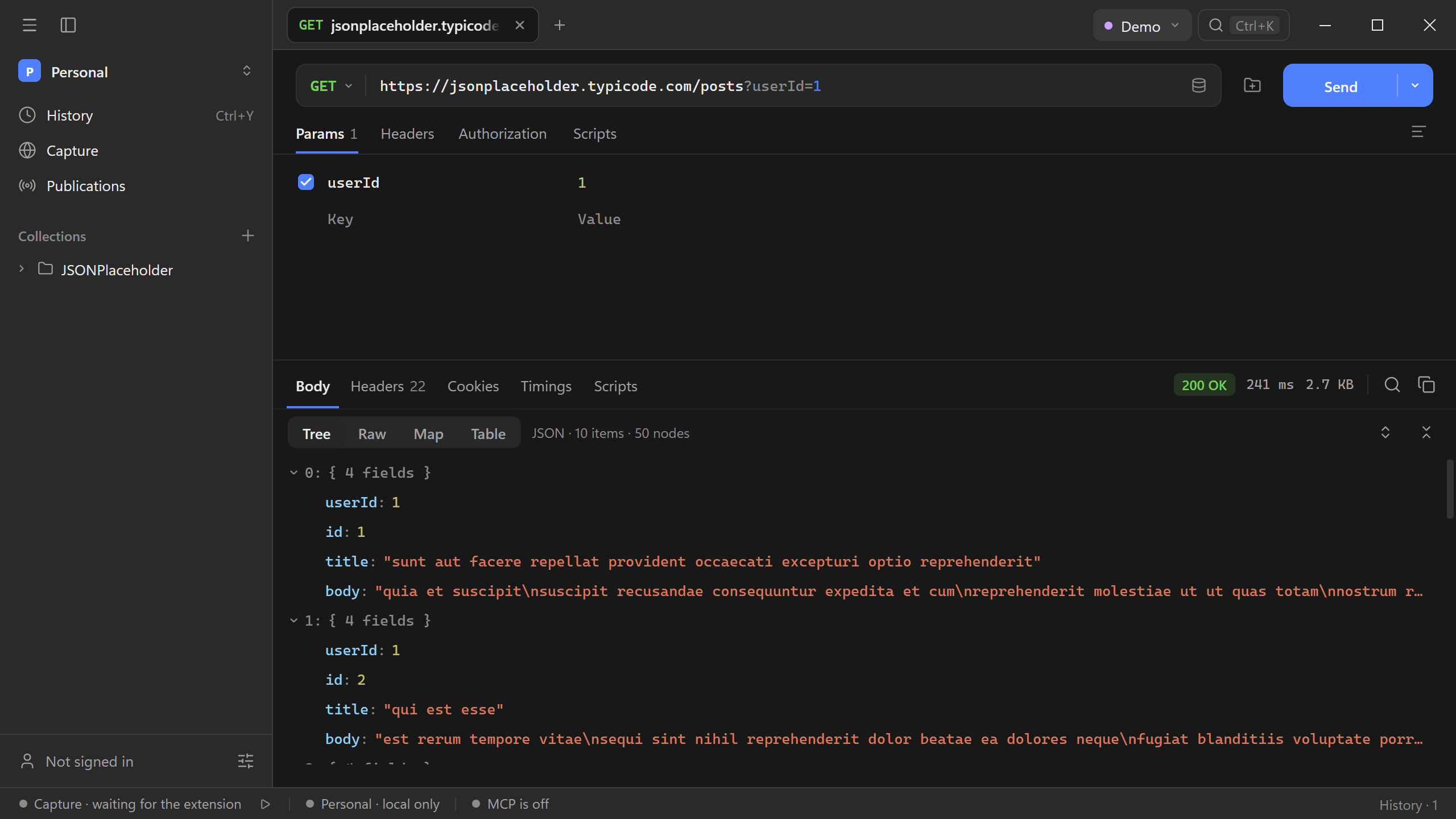
Select Send. The lower pane shows the status, elapsed time, body size, and response tabs. A successful request returns 200 OK and an array of posts. In Body → Tree, expand a post to inspect its userId, id, title, and body.
Save the request
Use the save icon beside Send. Choose a collection and name the request List posts. If you need a collection first, create one with + beside Collections in the sidebar.
Next, inspect the response as a table or reuse the request with an environment.