
gRPC
Load services through reflection or .proto files and invoke unary or server-streaming methods.
Choose gRPC in the protocol menu and enter the server address as host:port. Schemo connects without TLS unless the address starts with grpcs://, such as grpcs://api.example.com (port 443 by default).
Load the services
Open Schema and select Load from server. Schemo asks the server through gRPC reflection and shows how many methods it found.
If the server has reflection turned off, open Import and choose Choose a file or Choose a folder to add .proto files. For a folder, Schemo reads the files with their imports, and you can exclude individual files in the source list. A request can combine reflection and files, for example when a server reflects only some of its services.
The descriptors are saved with the request, so you can prepare a call while the server is offline.
Choose a method
Open the Method menu in the address bar. Methods are grouped by service; type a name in the search field to find one in a folded group.
Choosing a method fills Body with an example request message in JSON. The line above the editor names the message type, such as GetProductRequest. Select Generate example to reset the body to that example.
Schemo supports unary and server-streaming methods. Methods that stream from the client are listed but cannot be selected.
Invoke a method
- Fill in the request message in Body. Field names follow the JSON form of the
.protonames, soin_stockbecomesinStock. - Add any values the server expects under Metadata, such as
authorizationwithBearer <token>. gRPC requests have no Authorization tab; put credentials in metadata. - Select Invoke.
The response shows the gRPC status, such as 0 OK or 5 NotFound, the reply message as JSON, and the response Metadata. Fields that hold their default value, such as false, 0, or an empty string, are left out of the JSON, as the protobuf JSON mapping specifies.
Catalog example
The Catalog API comes with a gRPC companion server. Save catalog-grpc.mjs next to catalog.mjs and run it:
node catalog-grpc.mjsIt serves the catalog.v1.Inventory service at 127.0.0.1:50051 and supports reflection. The same service is described in catalog.proto if you want to try Import instead.
- Create a gRPC request to
127.0.0.1:50051. In Schema, select Load from server. Schemo finds two methods. - In the Method menu, choose
GetProductand set the body to{ "id": "p-101" }. - Select Invoke. The server answers with the product.
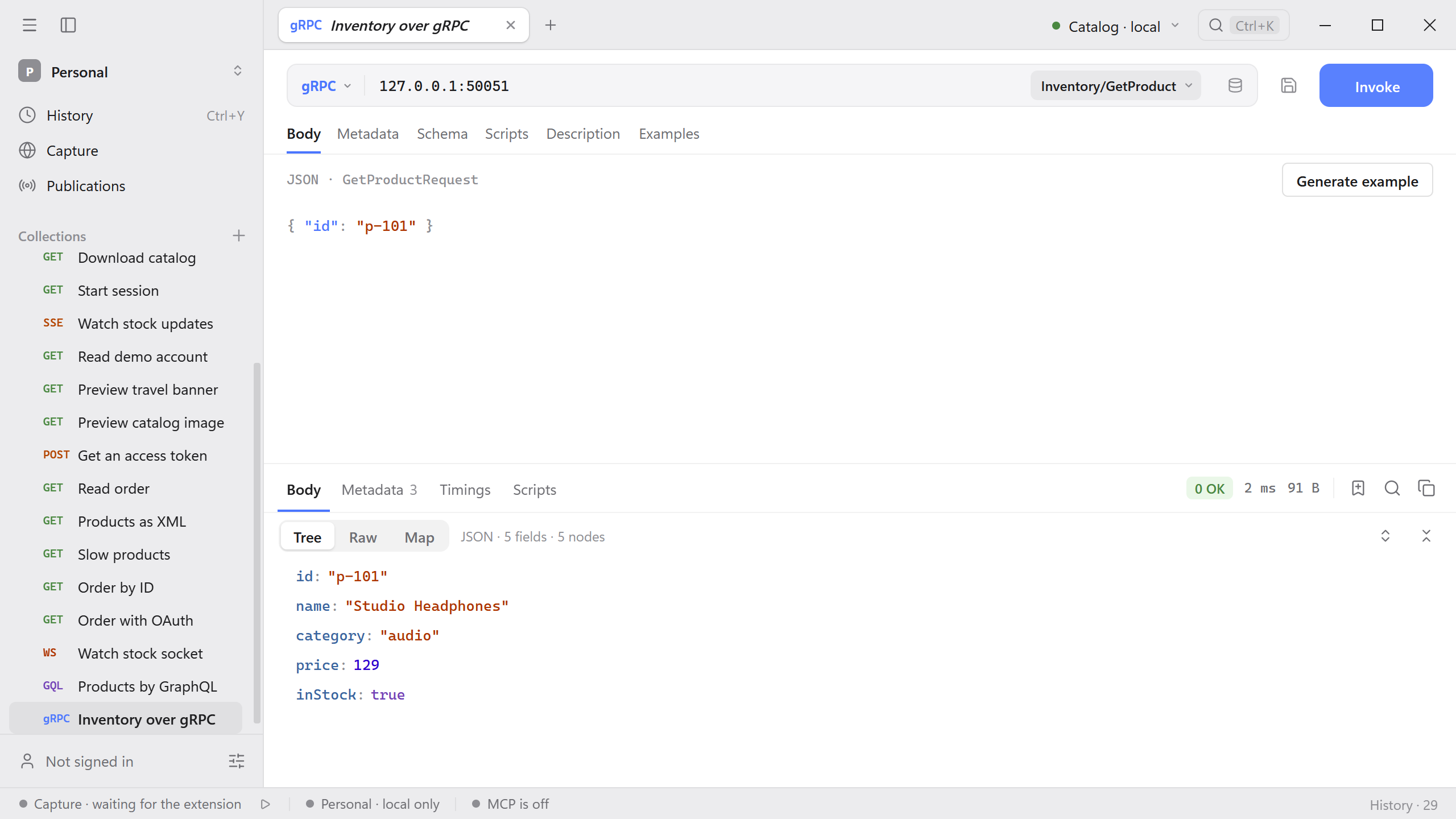
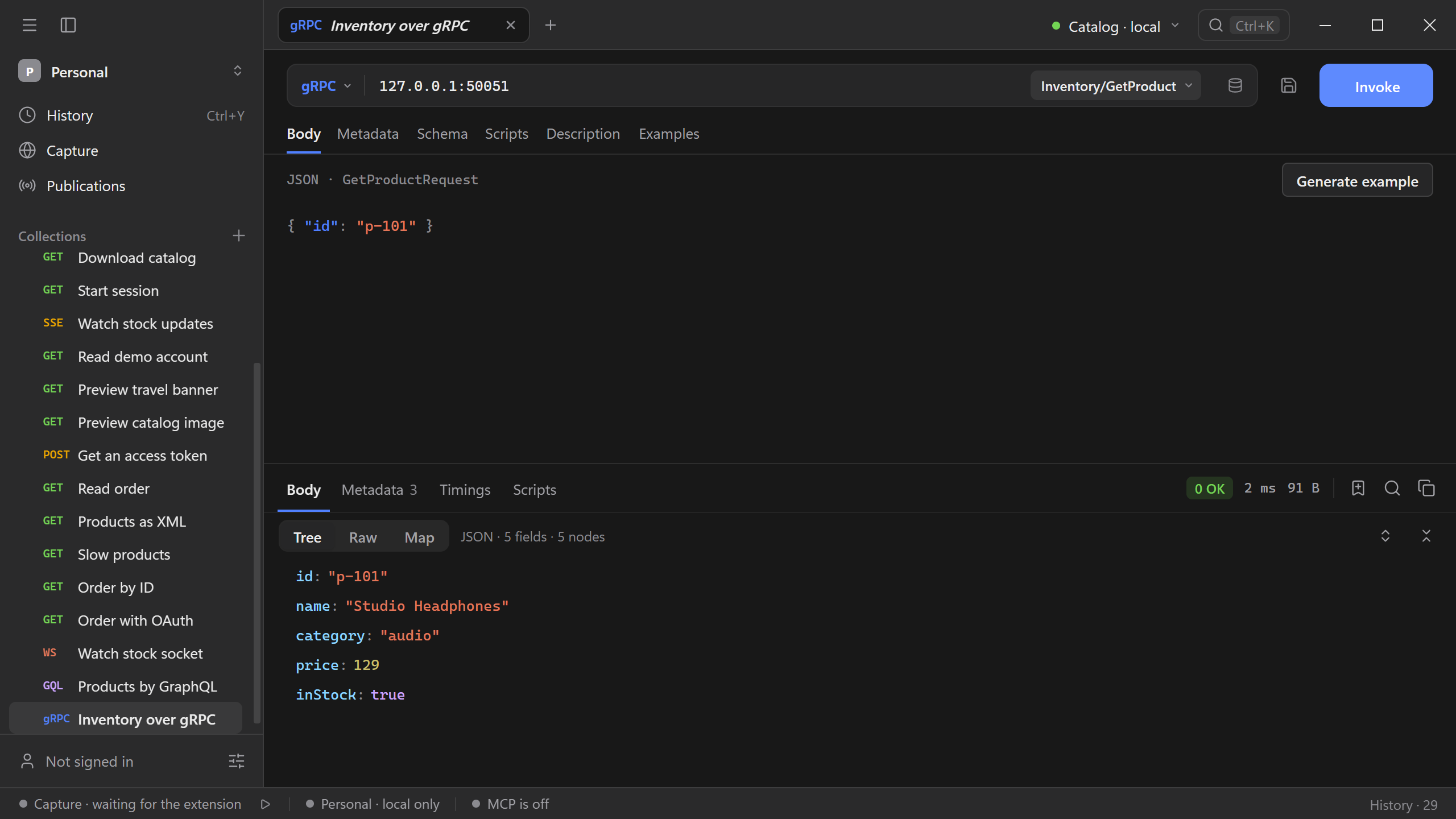
Change the ID to p-999 to see the 5 NotFound status with the server’s message.
Server streaming
A server-streaming method keeps sending messages until the server ends the call. Schemo collects them and shows the reply as a JSON array once the stream ends. While it runs, the button shows Cancel and the elapsed time.
Try WatchStock on the Catalog server. With an empty category, it streams the stock of all five products, one every 400 ms. Open Table to read the messages as rows.
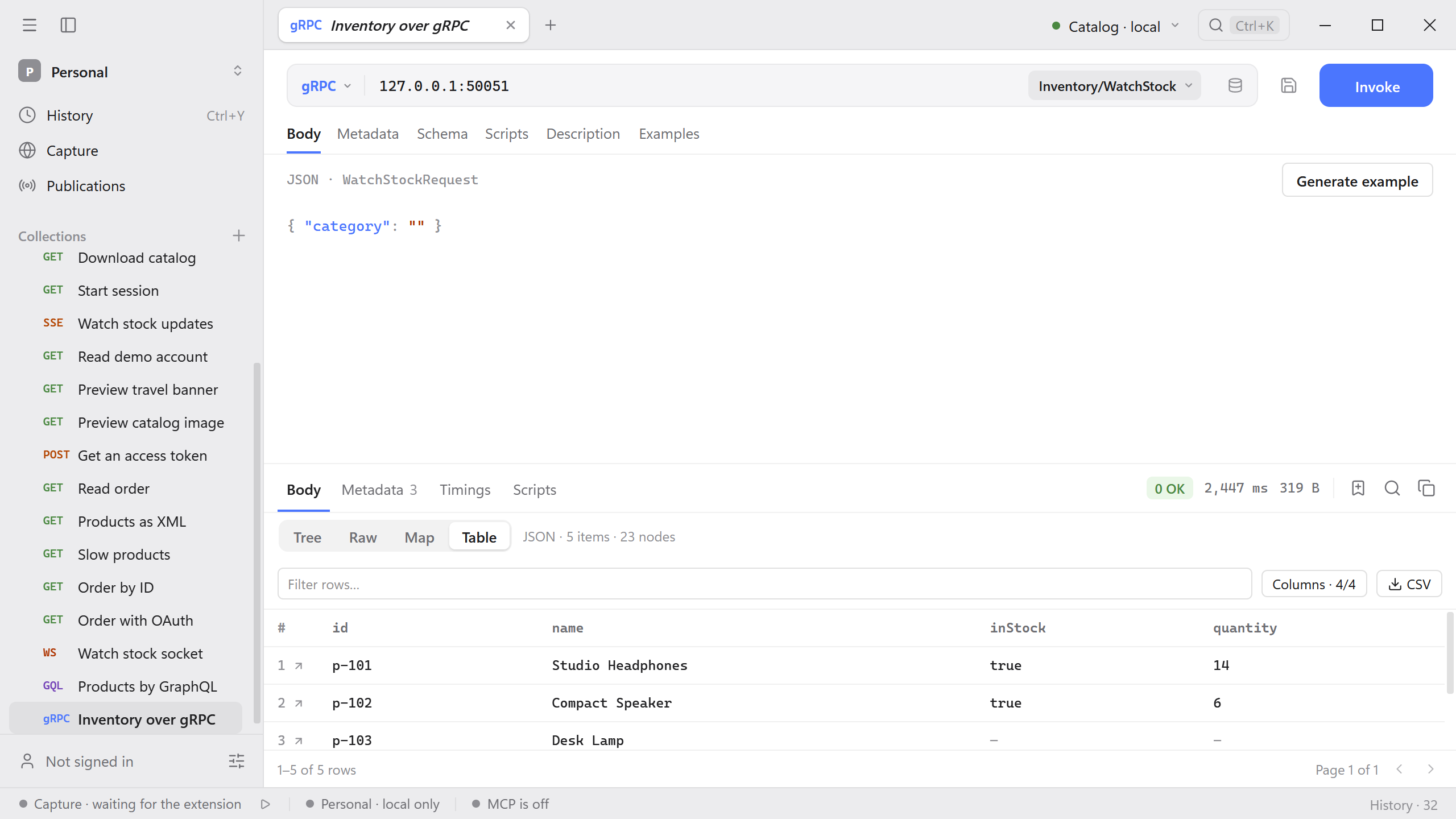
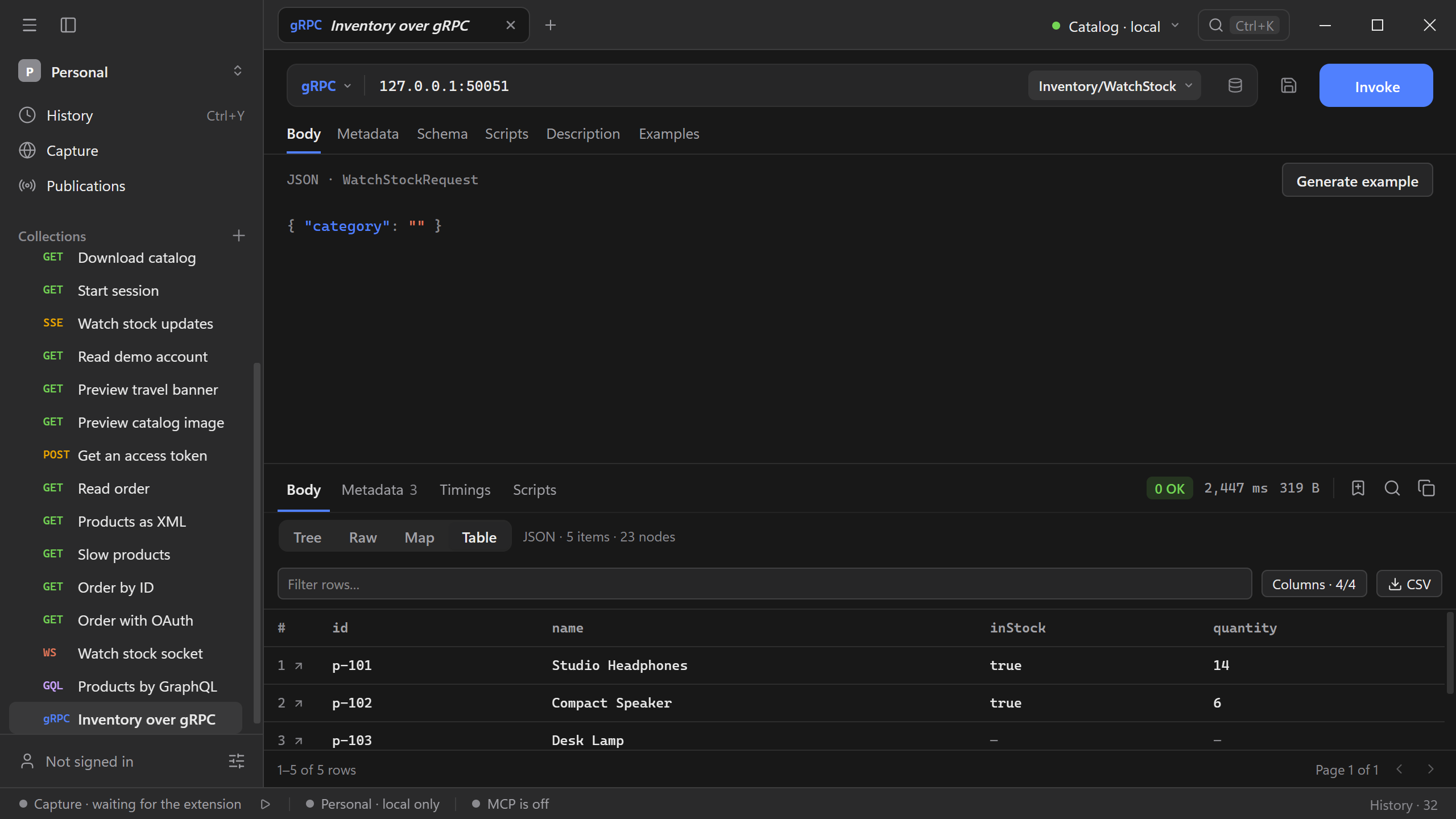
Desk Lamp has no inStock or quantity value in the table, because both are at their defaults (false and 0) and the JSON leaves them out.
Troubleshoot a call
- If Load from server reports that reflection is unavailable, import the server’s
.protofiles. Include the files they import and keep their relative paths, or import the whole folder. - If the connection fails, check the host and port, and use
grpcs://when the server expects TLS. - If the call is rejected, compare the body with the request message type shown above the editor, and check the metadata the server requires.