
HTTP
Build an HTTP request and inspect its status, headers, and body.
Use HTTP for a request with a method, URL, headers, and optional body. See Quick start for a working GET example.
Build the request
- Set the method and URL. Use Params to edit the query string.
- Use Headers to set fields such as
AcceptorContent-Type. Query parameters and headers can be edited as rows or as text in bulk. - On methods that carry a body, use Body for JSON, XML, form fields, raw text, or a file.
- Select Send. Check the status and open Response inspector for the body and timing details.
Params and headers
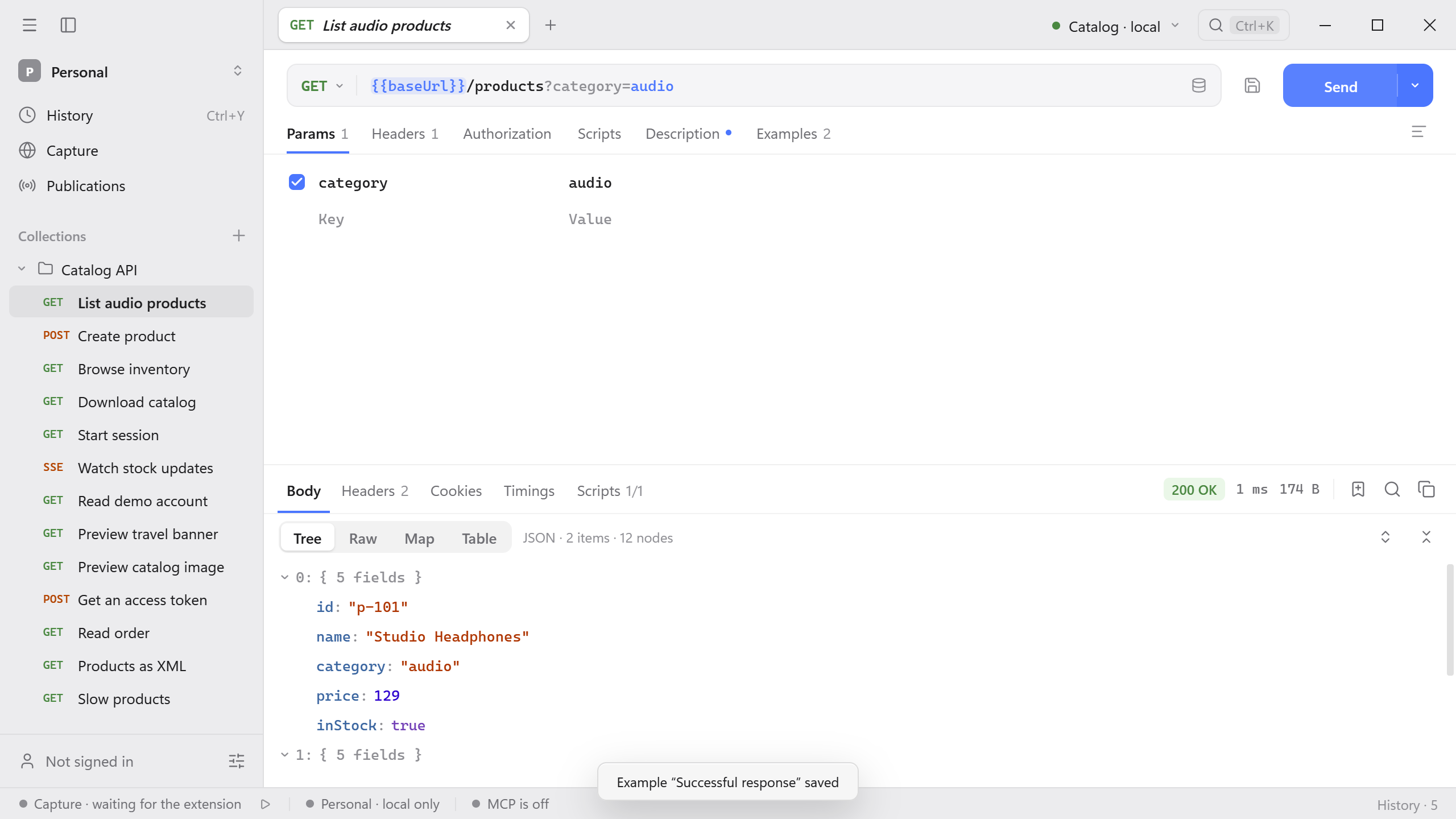
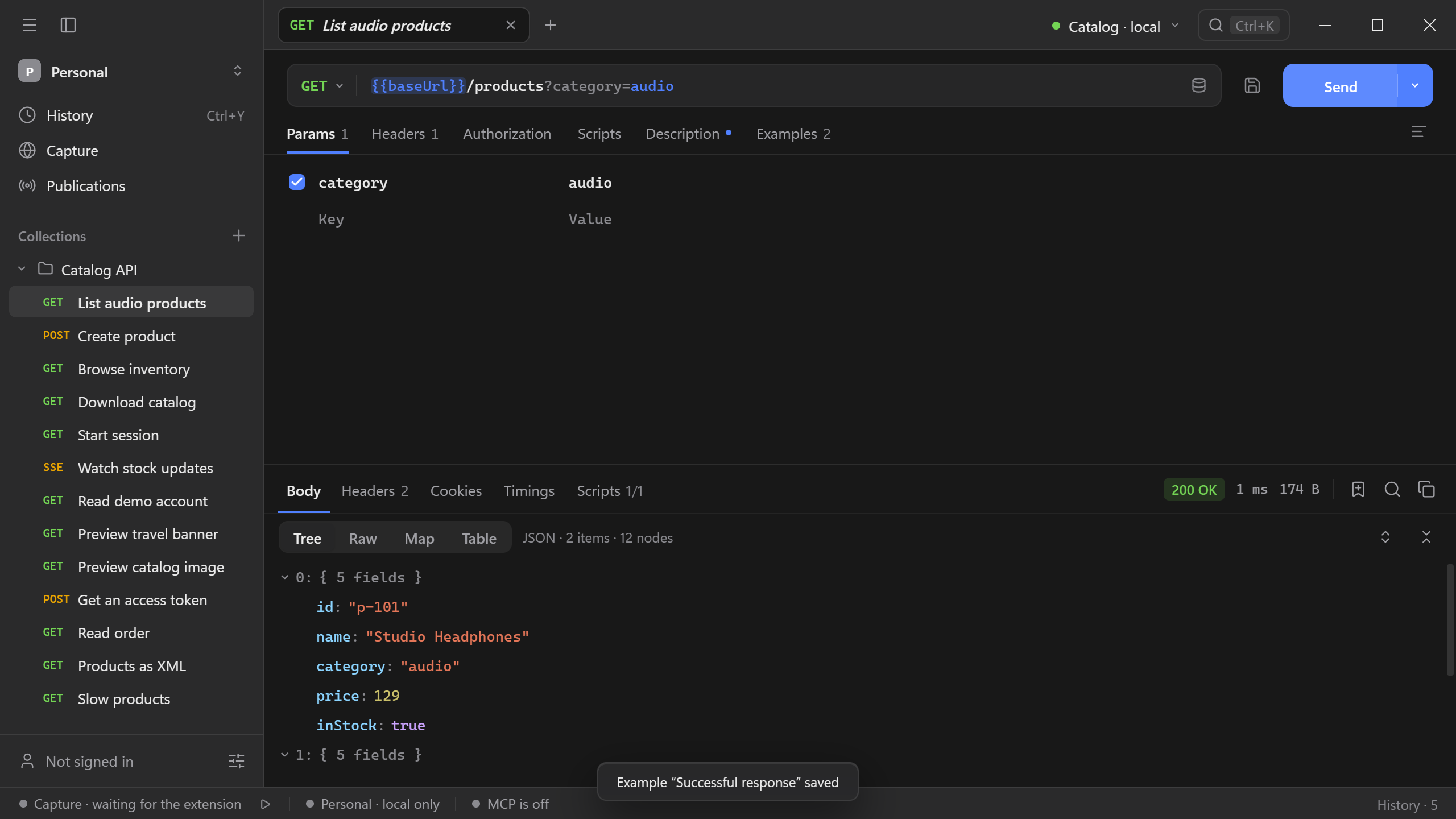
Start the Catalog API and paste http://127.0.0.1:8787/products?category=audio into the address bar. Params shows the category row. Change its value to office and send the request to see the two office products. Clear the row’s checkbox to omit the filter and retrieve all products.
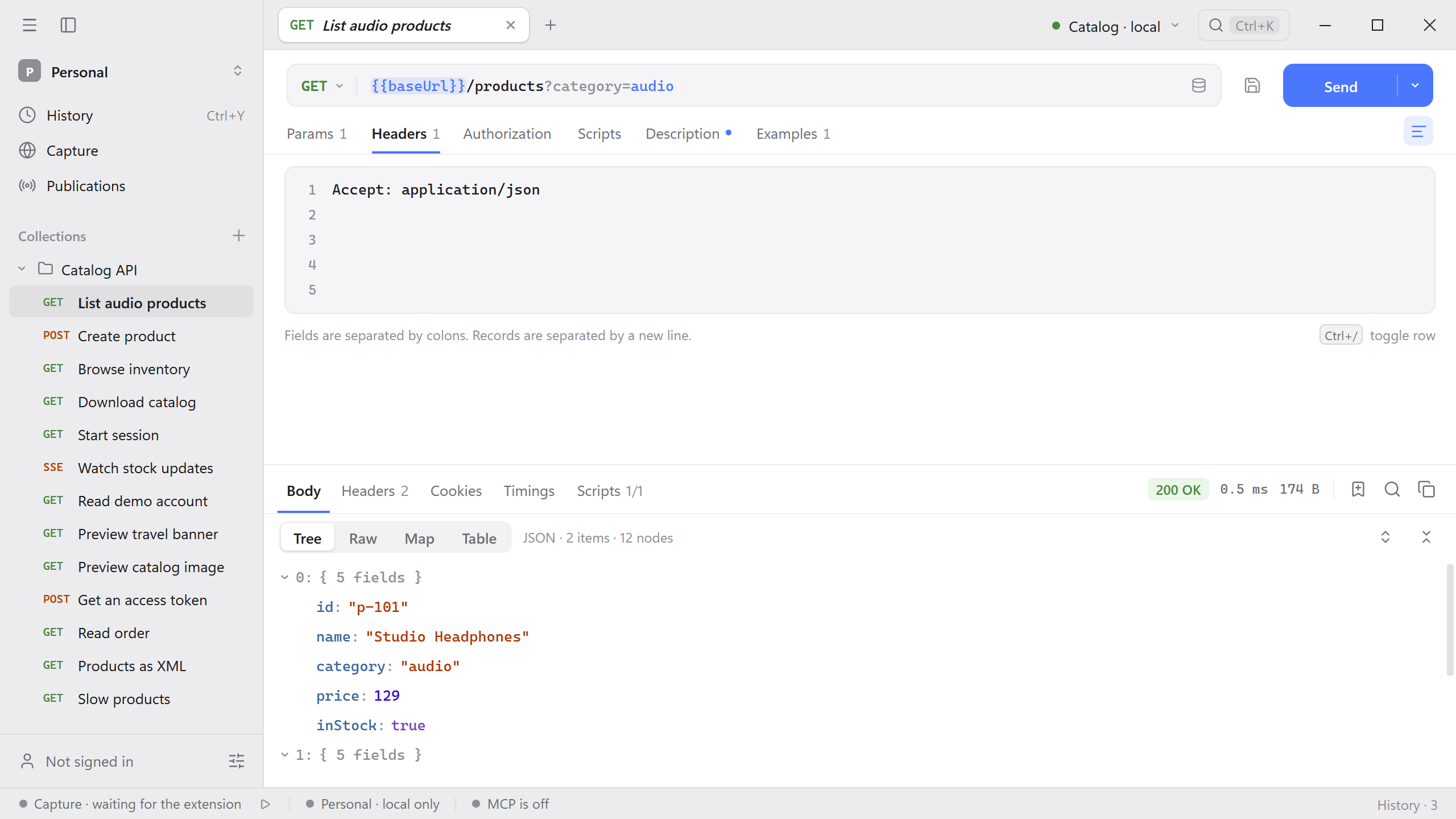
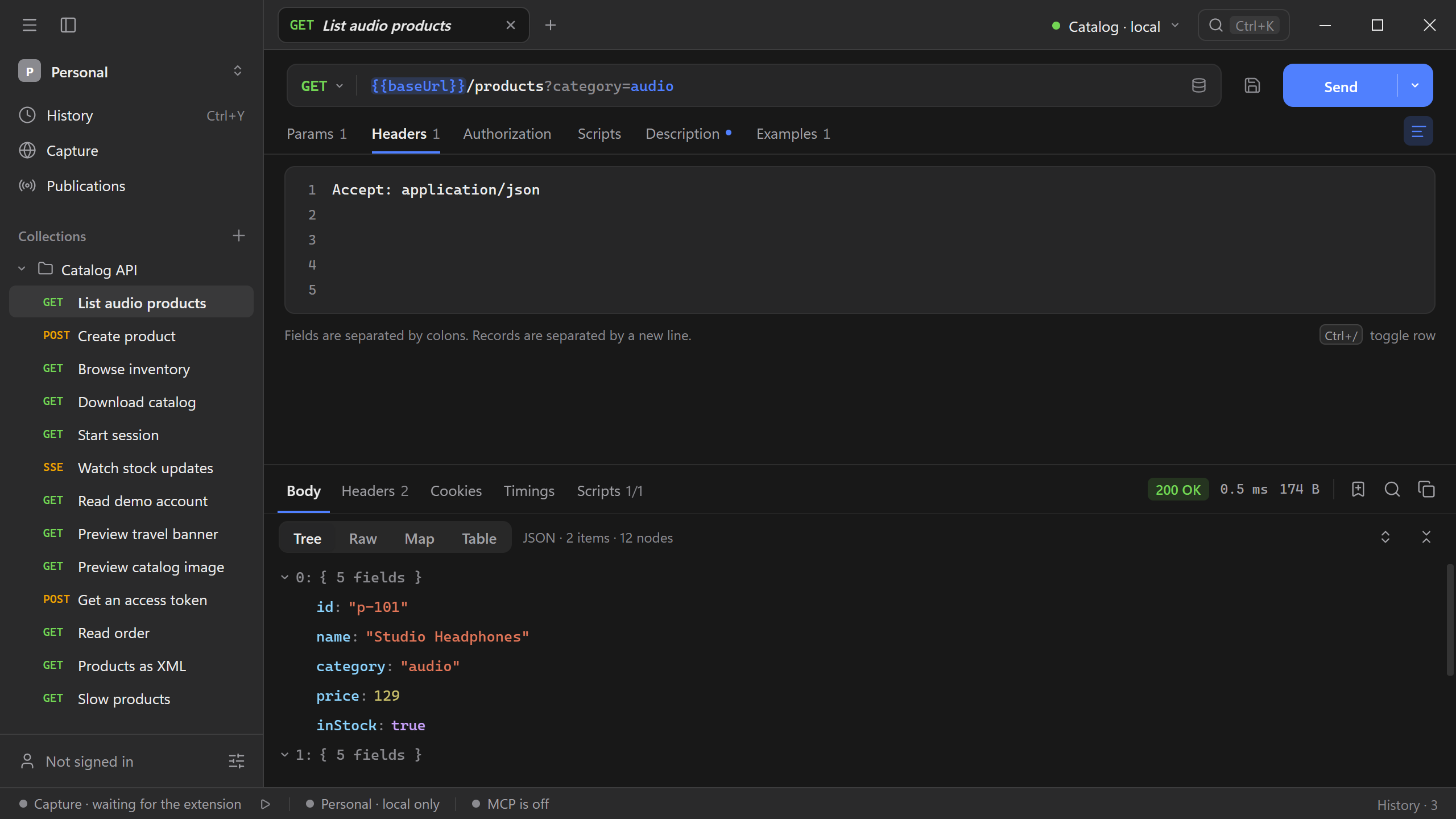
Use Bulk edit in Params or Headers for several lines at once. Enter one field per line. For example, the Headers bulk editor accepts the following.
Accept: application/json
X-Demo-Trace: catalog-docs
Switch back to the row editor to check the parsed fields and enable only the ones you want to send. You can reorder rows by dragging them.
To add several rows without the bulk editor, select the Params or Headers table and press Cmd/Ctrl + V. Schemo accepts name: value lines or two spreadsheet columns. Paste a URL or a query string into Params to extract query fields, or paste a cURL command into Headers to extract its headers. See Paste query parameters and headers in bulk.
Fill a path parameter
Write a variable part of the path as :name, for example {{baseUrl}}/orders/:id. Params gets a Path group with a row for each name. Its value is escaped and put in place of :name when you send the request.
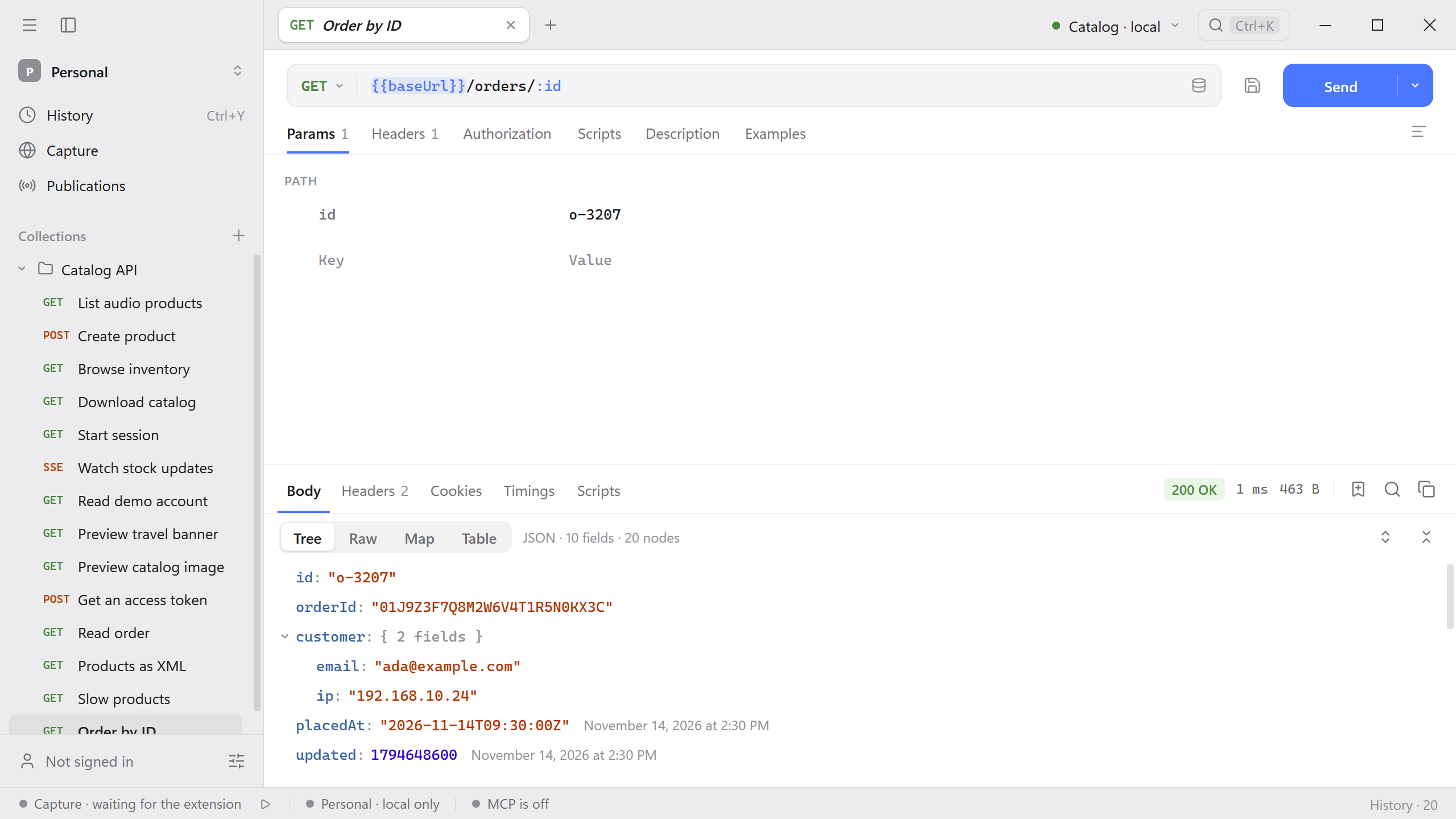
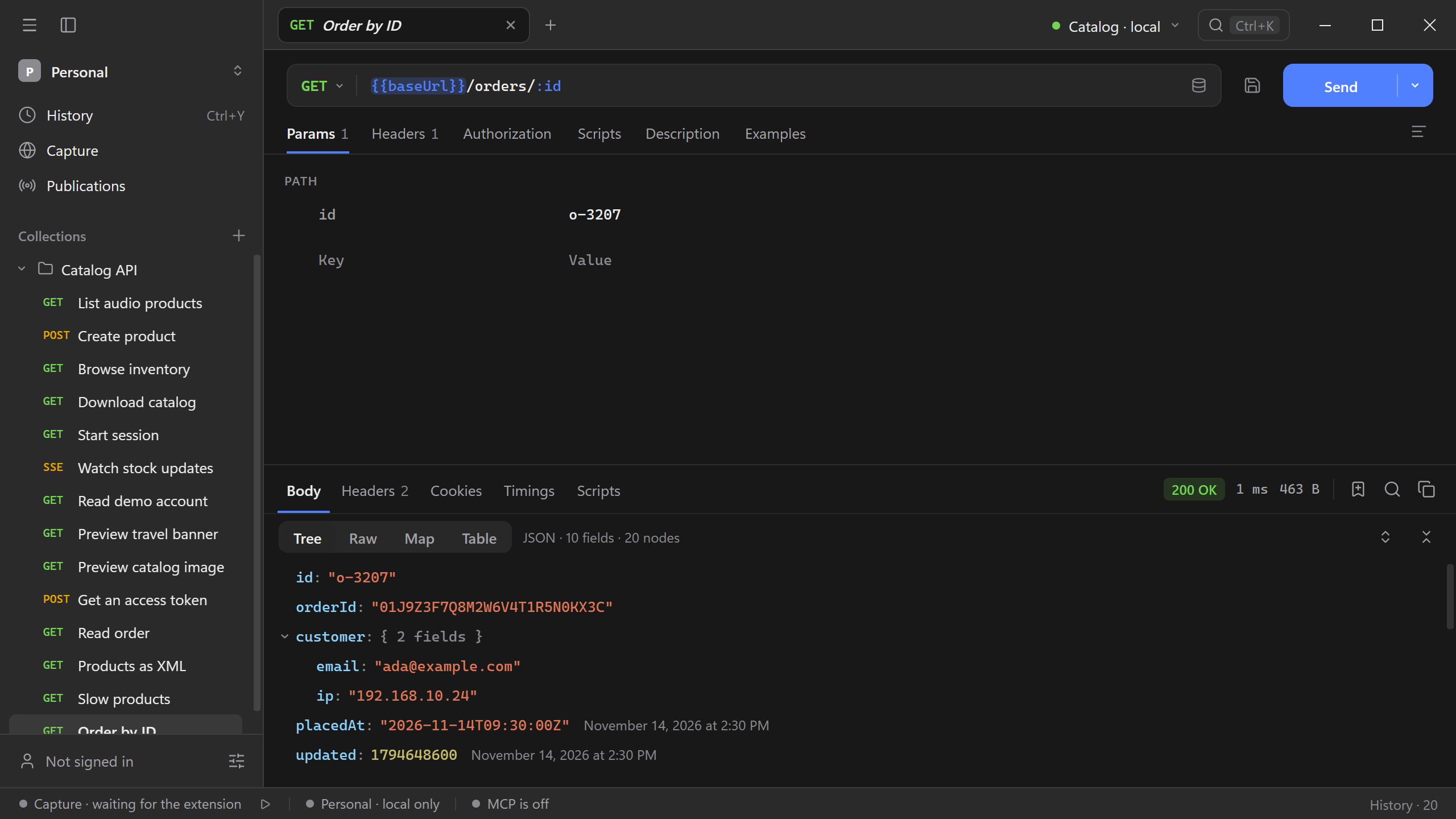
A name starts with a letter or an underscore, so a port such as :8787 is never read as a parameter. A row with an empty value leaves :name in the address as it is.
Automatic headers
Headers lists the headers that Schemo adds at send time below your own, marked auto. A header that comes from Authorization has a clickable auto mark that opens the Authorization tab. A query parameter added by authorization, such as an API key in the query, appears in Params under Added automatically.
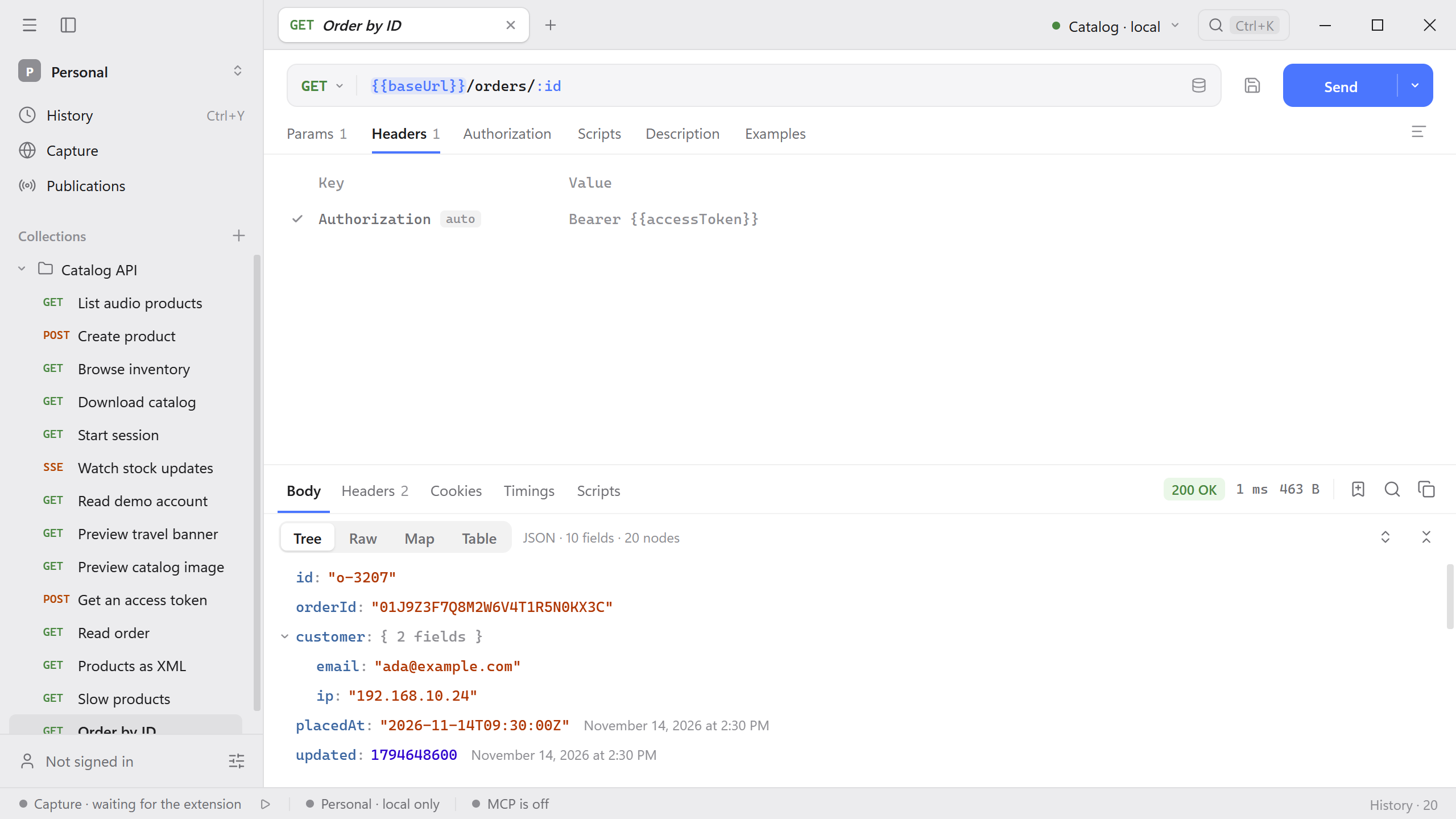
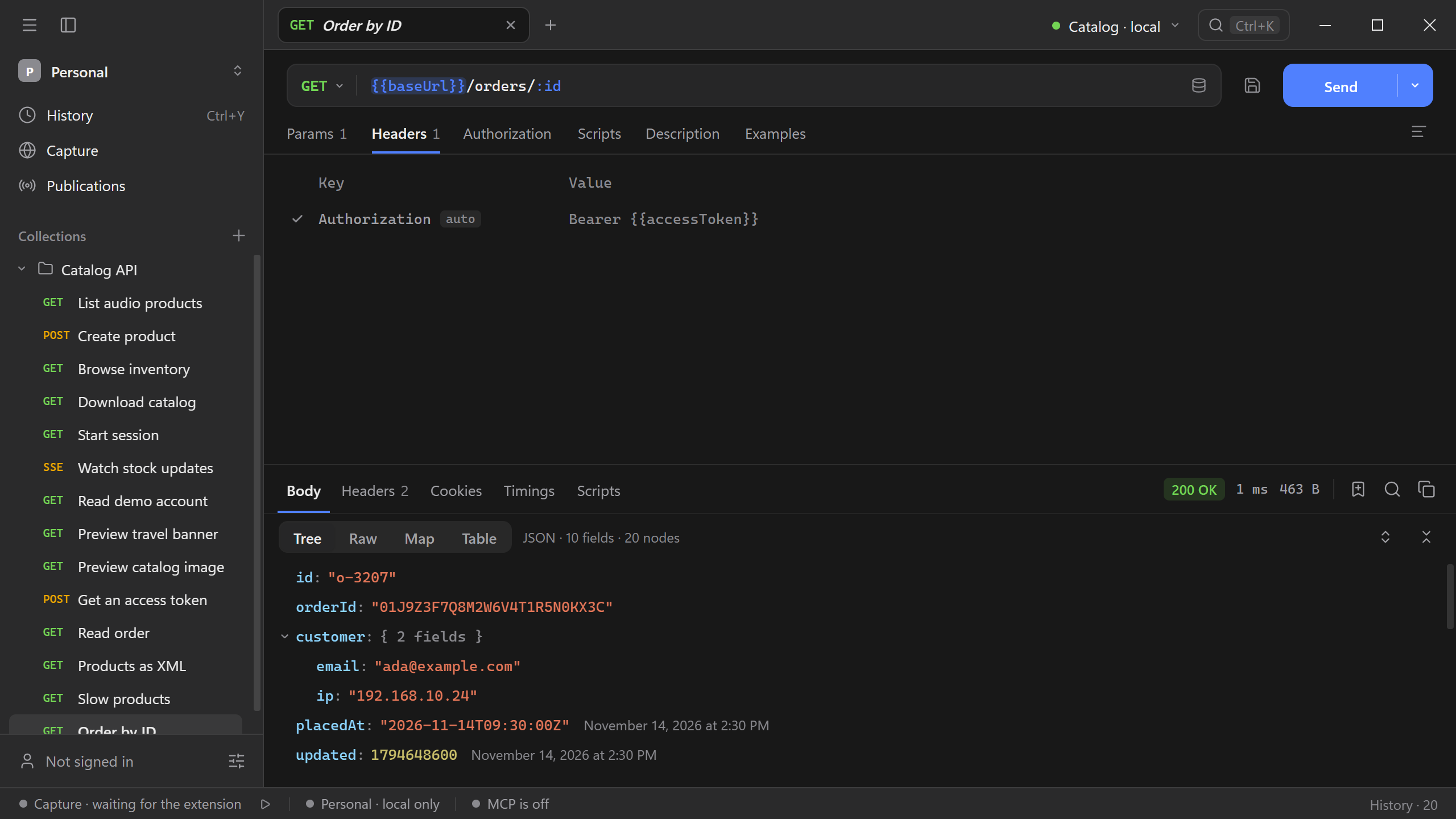
To also list Host, Content-Length, and the other headers the HTTP client writes, turn on Show automatic headers in Settings → Requests.
Clear a row’s checkbox to skip that header or parameter on the next send without deleting it.
Copy as code
Open the menu on the arrow beside Send to copy the request as cURL, fetch (JS), wget, HTTPie, or PowerShell. Review the generated command before running it. Schemo tells you what it could not write out, such as a variable with no value or a token it has not obtained yet.
Authorization
Open Authorization and choose the scheme required by the API. Use Inherit when the parent collection or folder provides authorization.
For values that differ across API instances, use {{variable}} references and choose an environment. This lets the same request use a different base URL or credential.
Import a cURL command
Paste the full command into the request address field. Review the translated method, headers, and body before sending. See Import a cURL request for an example.