
Pass a token from one request to another
Capture a token into an environment variable and reuse it automatically in a protected request.
Use a response capture when an API returns the credential or identifier needed for the next call. Schemo refreshes the variable when you send the first request again.
Capture a token
- Start the Catalog API and select Catalog · local.
- Save
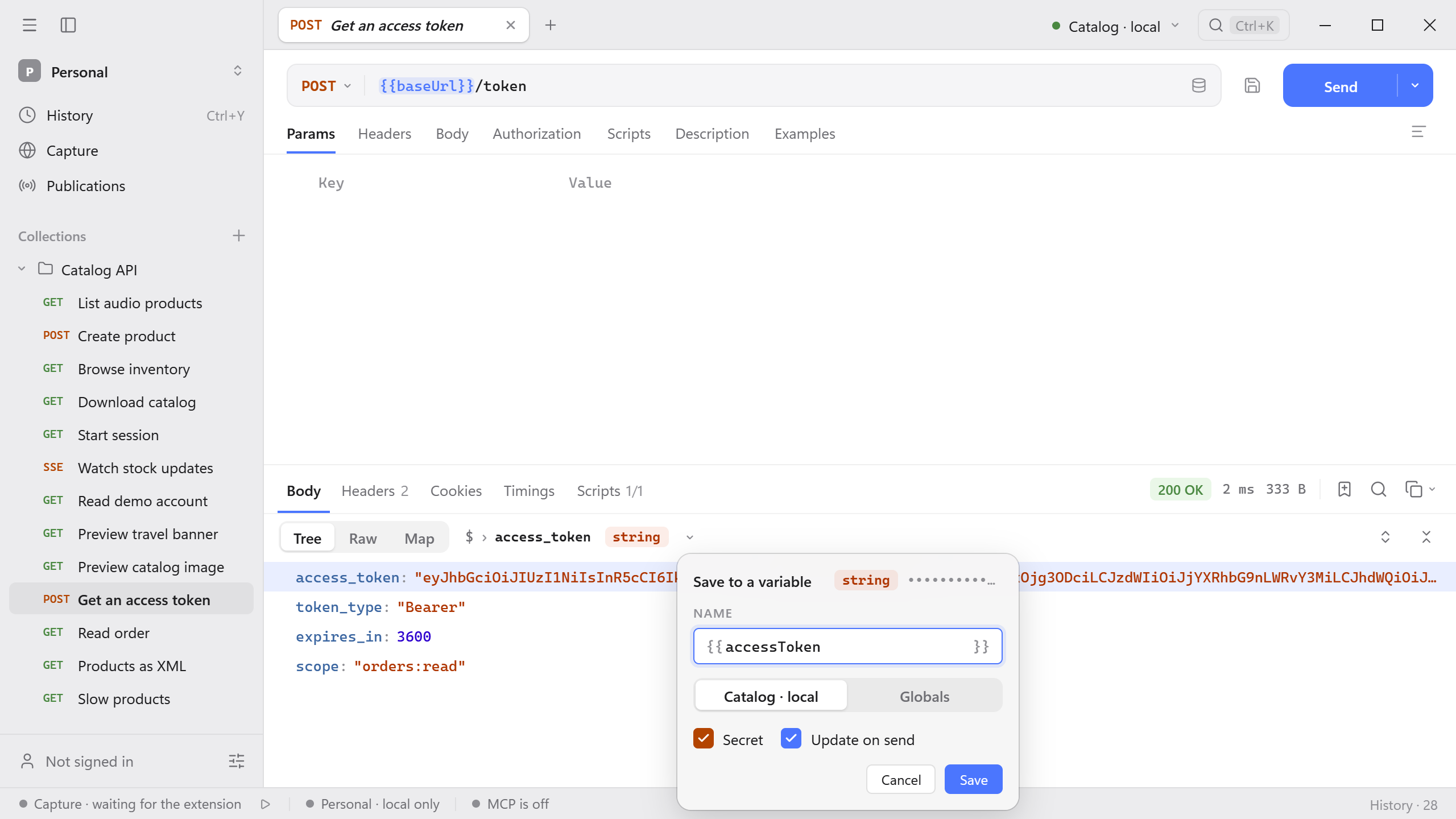
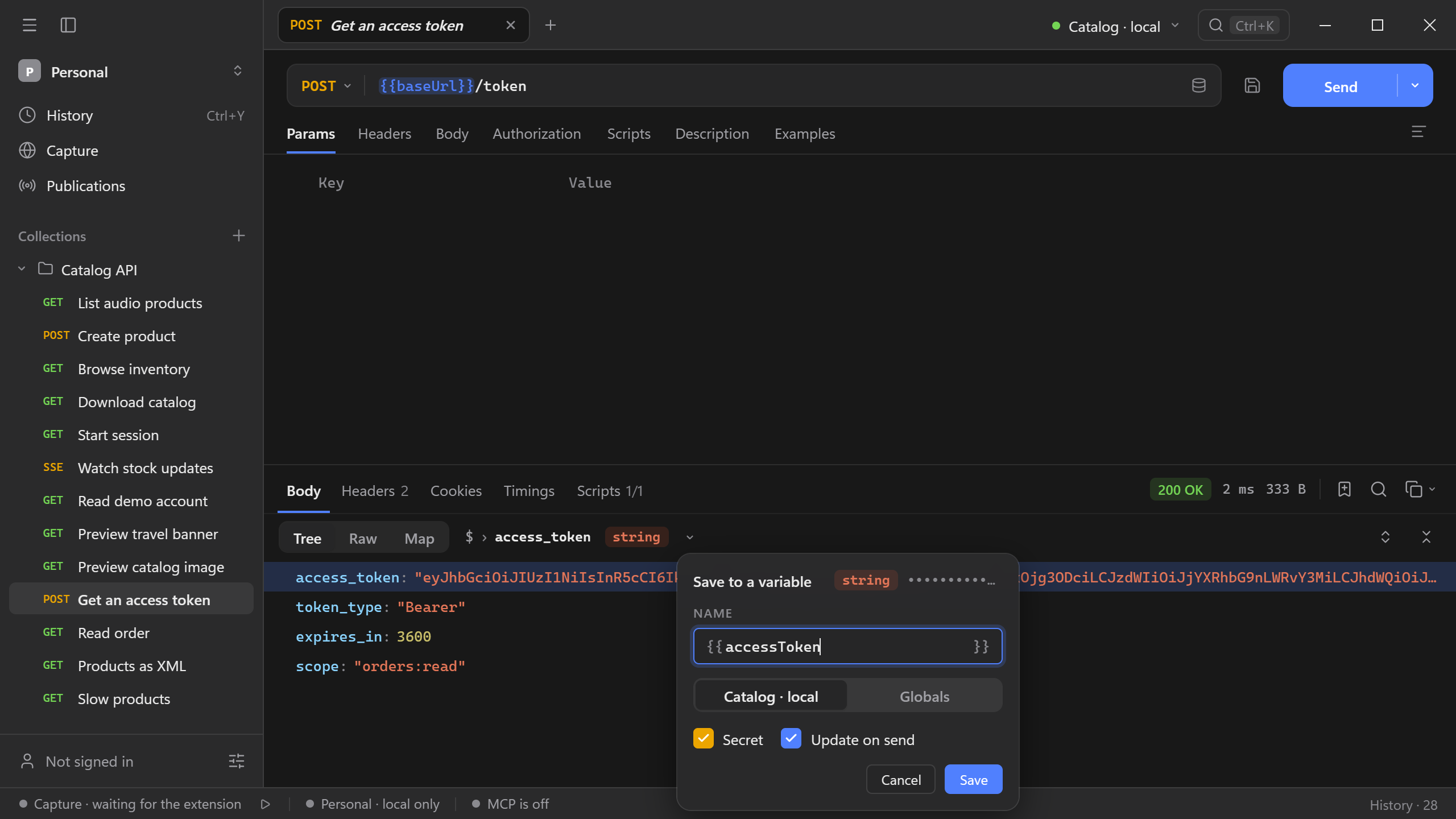
POST {{baseUrl}}/tokenas Get an access token. Use the client credentials JSON body and send it. - In Body → Tree, open the node actions on
access_tokenand choose Save to a variable. Name itaccessTokenand choose Catalog · local. Keep Secret and Update on send selected, then save the capture.
Send the request
Save GET {{baseUrl}}/orders/o-3207 as Read order. Under Authorization, choose Bearer token and set Token to {{accessToken}}. Send the request and check for 200 OK. Sending Get an access token again refreshes the same variable. The next Read order uses its current value.
Open Scripts → Captures on Get an access token to find the recorded rule. Run the source request first when the value is missing or expired. See Node inspector for captures from bodies, headers, and cookies.