
Diagnose TLS and proxy errors
Identify a failing proxy tunnel or an untrusted HTTPS certificate and verify the fix in Schemo.
An HTTPS request can fail before the API replies. The error helps you choose where to look. A proxy can refuse the tunnel or ask for credentials. A certificate error points to TLS, either at the API or at a proxy inspecting its traffic.
Read the error
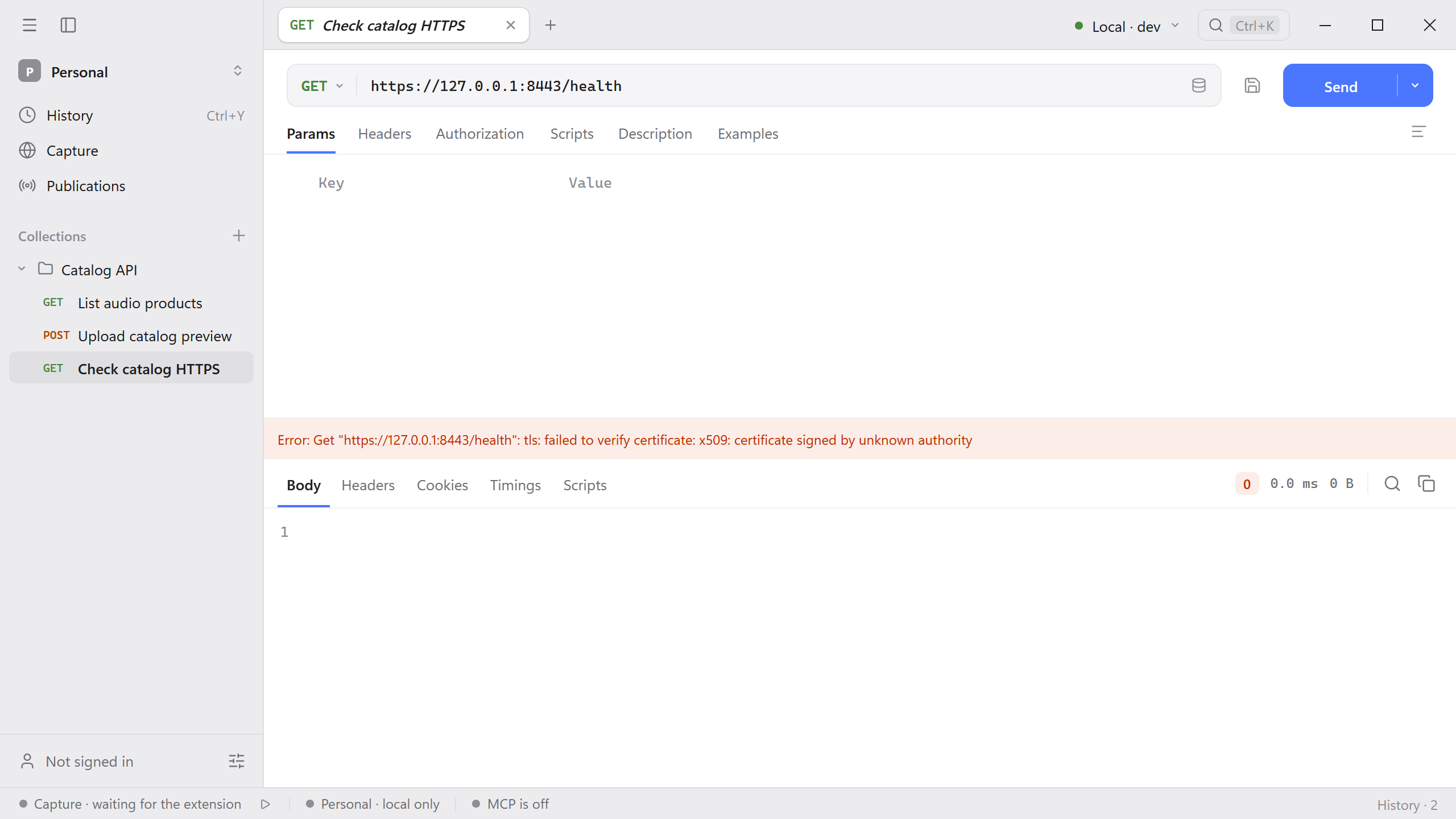
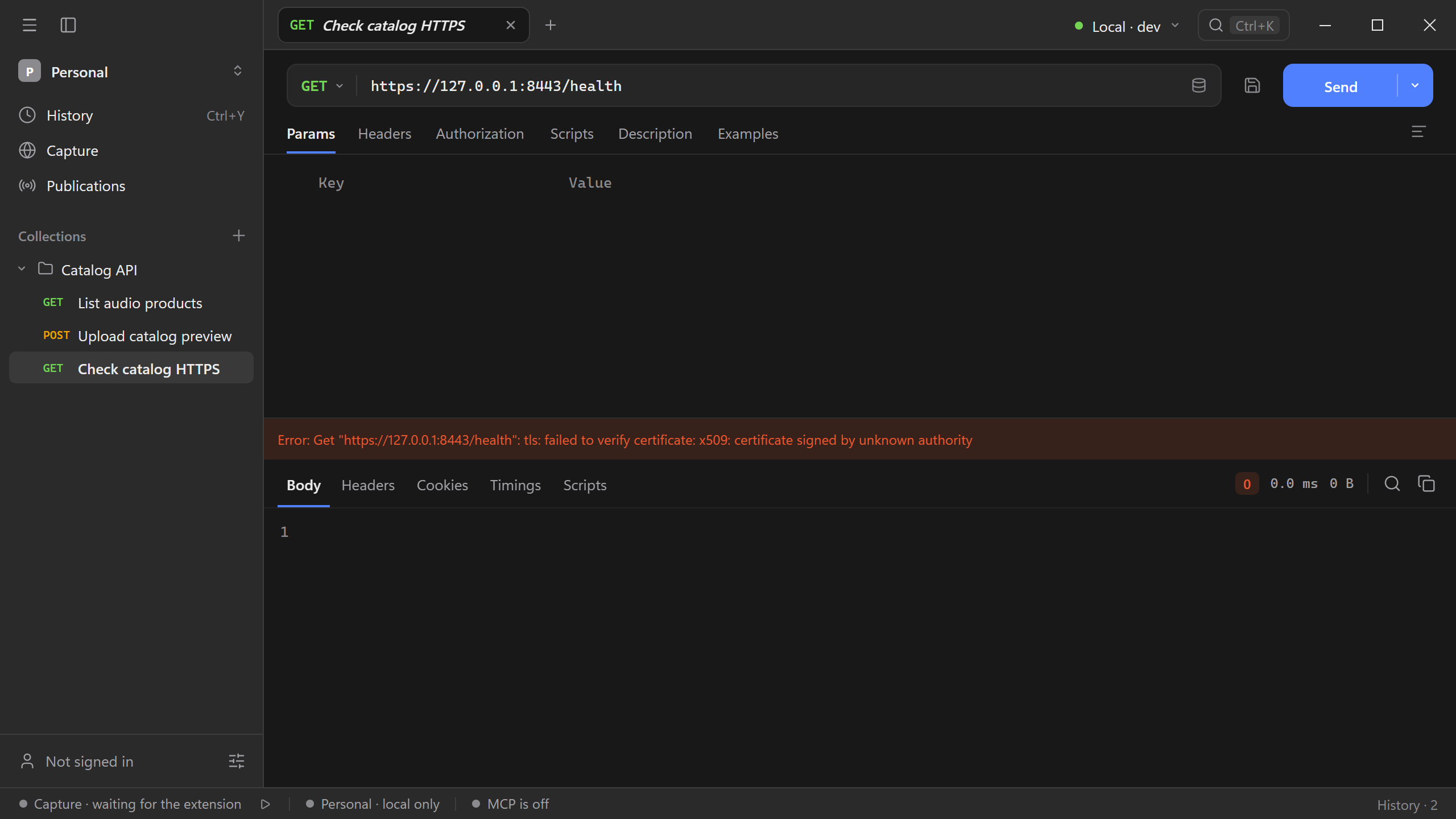
Send the request and read the connection message. Note the host and port in the address, including any values filled in by the active environment. In the example below, a local development endpoint uses a certificate issued by a demo CA that Schemo does not trust yet.
Test the proxy
- Open Settings → Proxy. Check whether Schemo is using System, Manual, or Off. In System mode, check the detected environment variables. See the proxy settings reference for when changes take effect.
- In Manual mode, check the proxy address and the Bypass list. Under Tunnel destination, enter the API host and port, such as
api.example.com:443. - Select Test the connection. If the proxy asks for a username and password, fill in Authentication and test again. If it refuses the tunnel, check whether the proxy allows that destination.
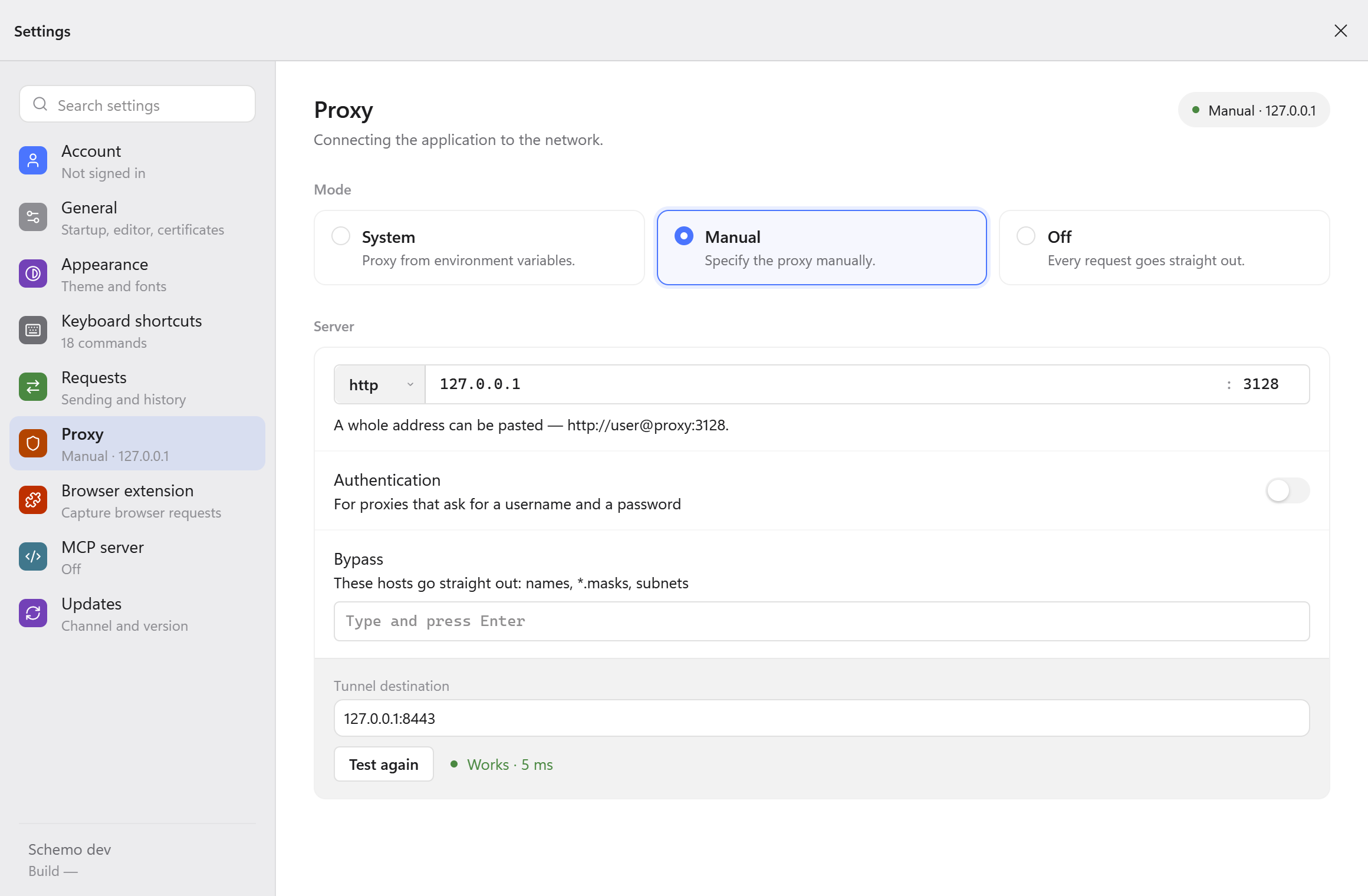
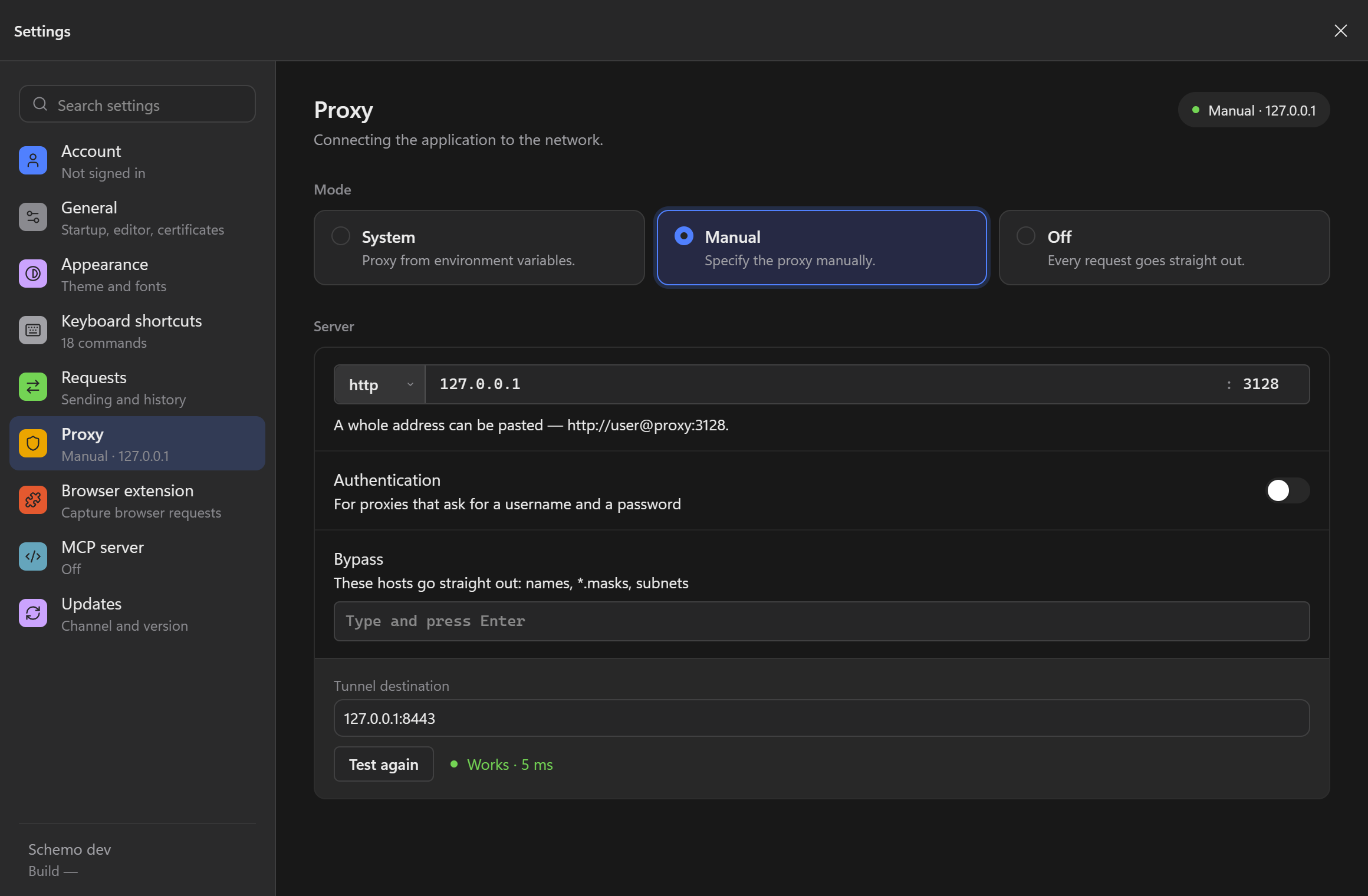
Works means Schemo opened a tunnel to that destination. Send the original request again to verify TLS and the API response.
Trust a private CA
- If the error says the certificate was signed by an unknown authority, get the trusted root certificate in PEM format from the API maintainer or your IT team.
- In Settings → General → Certificates, keep Validate SSL certificates enabled. Under Root certificates, select Add .pem and open the file. Schemo lists the authority by name.
- Send the same request again. Check for the expected HTTP status and body. If the error names the wrong hostname or an expired certificate, check the address or ask the server maintainer to replace the certificate.
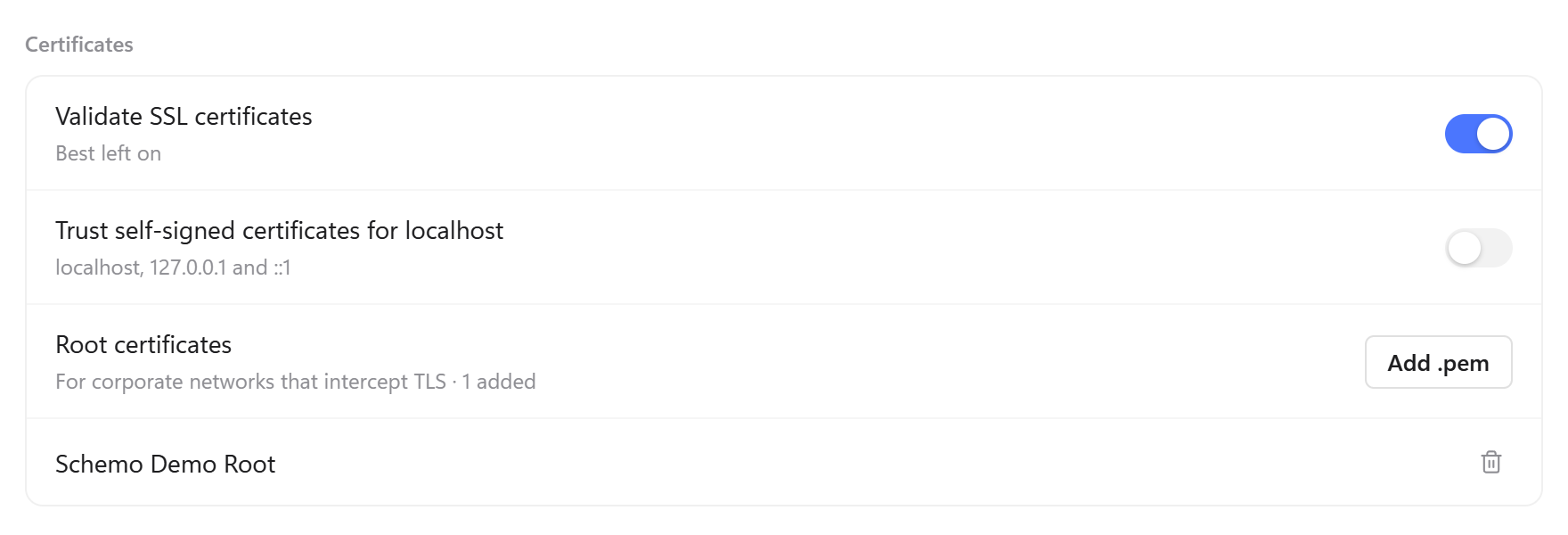
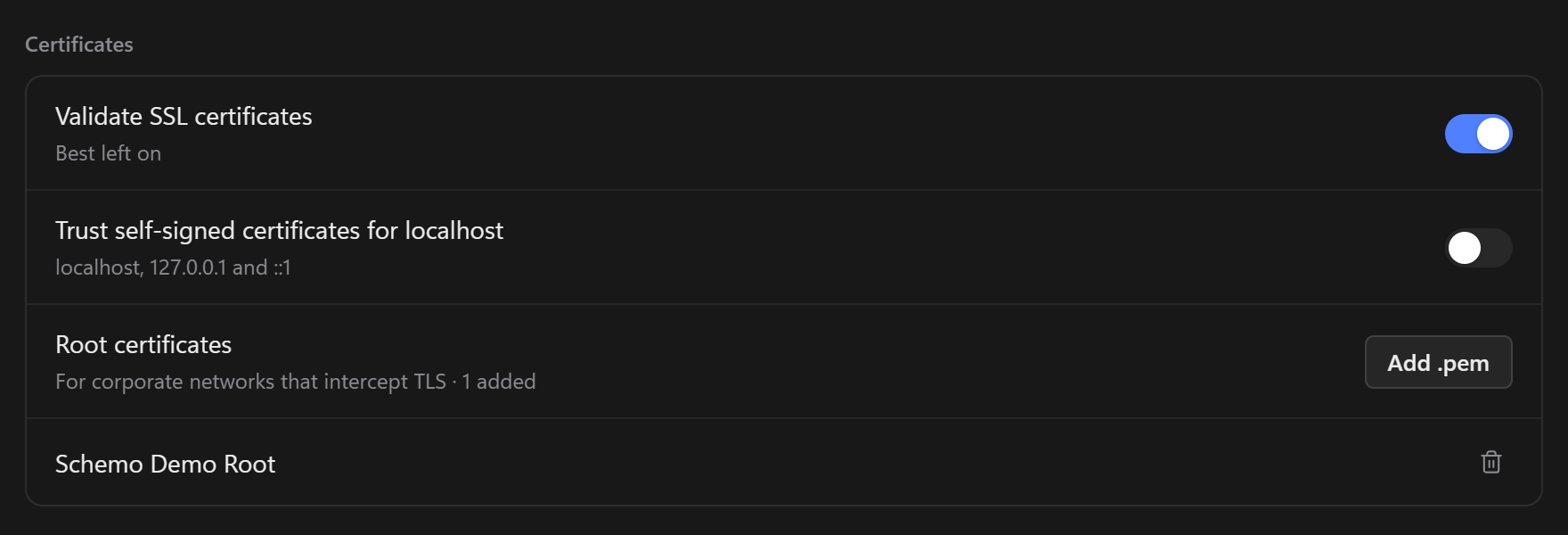
For a self-signed certificate on localhost, 127.0.0.1, or ::1, use Trust self-signed certificates for localhost. That switch applies only to loopback addresses.