
Start a collection from an OpenAPI URL
Import a spec by link, choose an environment, and call a generated request.
When a team gives you an OpenAPI spec, import the URL to get editable requests and path parameters for its operations.
Import and inspect
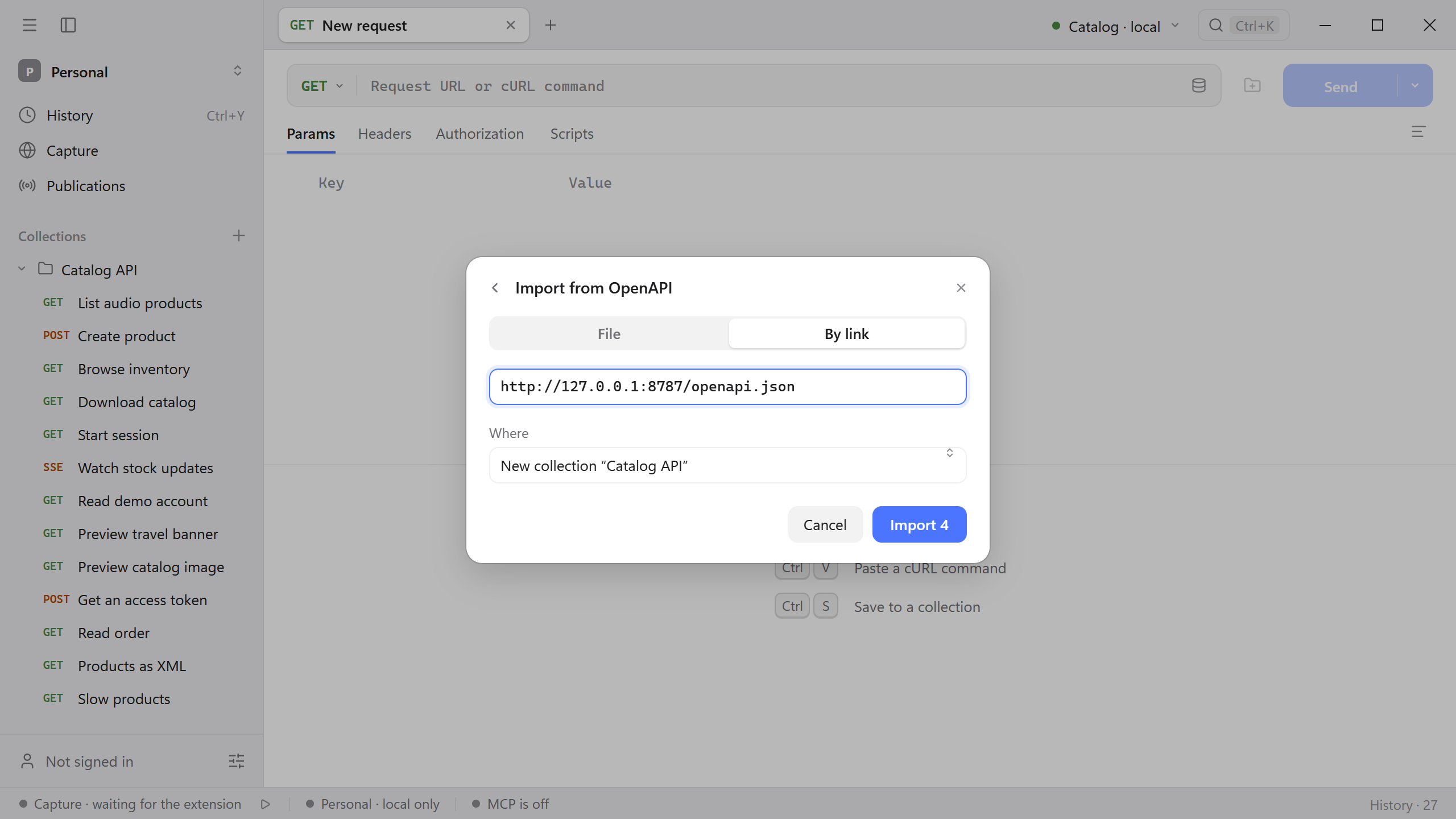
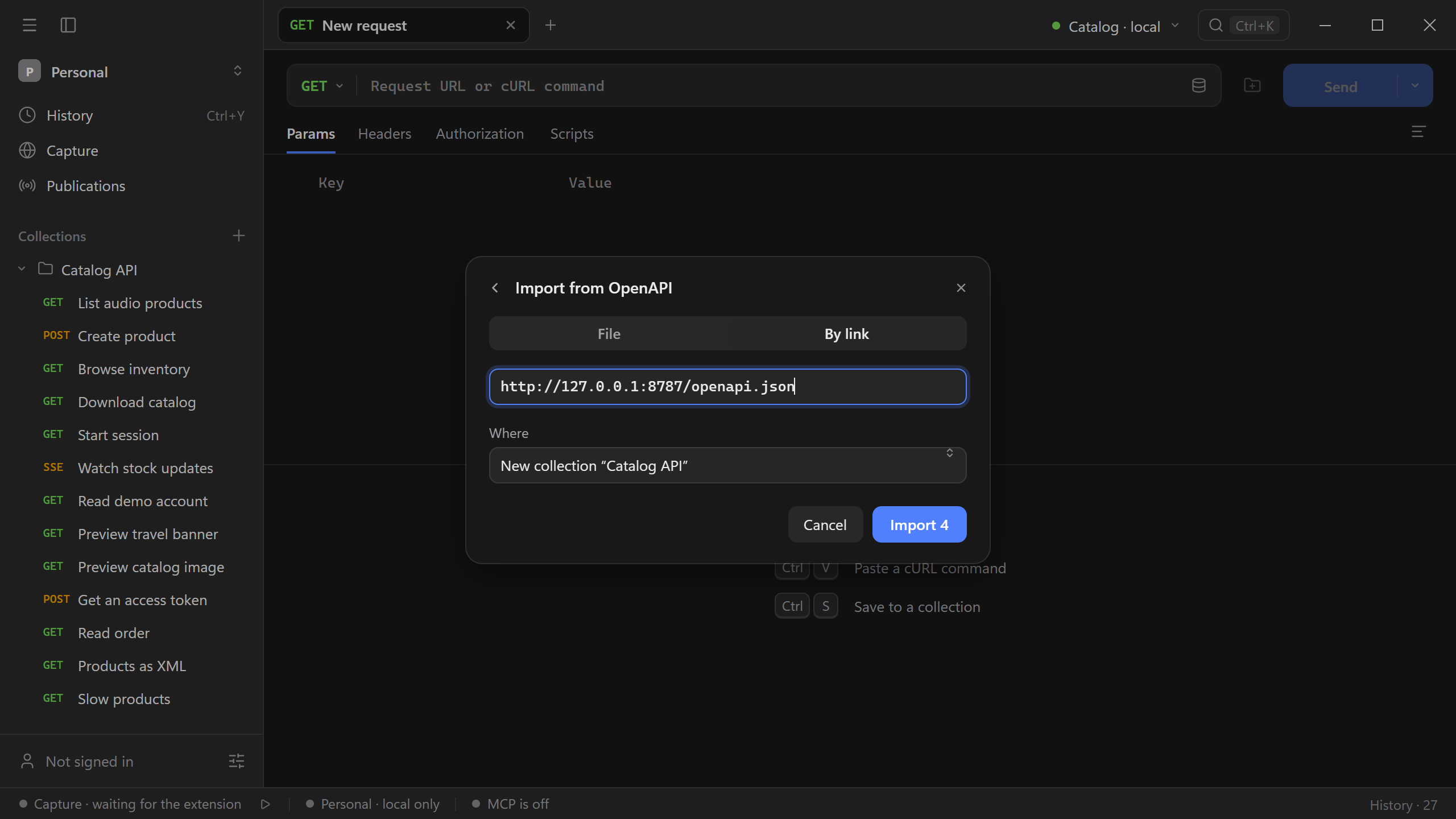
- Start the Catalog API. Open Import with Cmd/Ctrl + O and choose OpenAPI → By link.
- Enter
http://127.0.0.1:8787/openapi.jsonand press Enter. - Check the preview for four requests. Under Where, choose a new collection, then complete the import.
Run an operation
Open the generated GET /products request and inspect the address and Params. If the address uses {{baseUrl}}, select the Catalog · local environment and confirm that it points to the server you started. Set the category query parameter to audio, enable its row, and send the request. Expect 200 OK and two products.
For an operation with a path parameter, supply its value under Params → Path. Review inherited authorization before sending a protected request. See HTTP for the path and header controls.