
Migrate from Postman
Import a Postman collection and verify it against your API.
Start with a Postman Collection v2.1 JSON export. If its requests use environment variables, export that environment to a separate JSON file as well.
Import a collection
- In Schemo, switch to the destination workspace and open Import with Cmd/Ctrl + O.
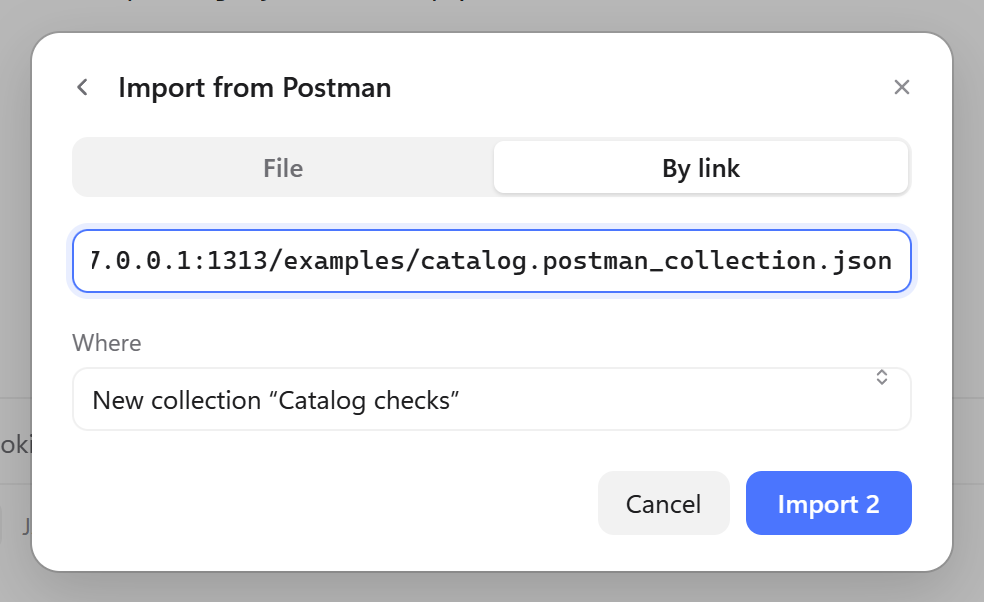
- Choose Postman, open the collection JSON, and review the detected collection and request count.
- Under Where, choose a new collection for a migration you want to verify before merging it into existing work.
To follow this guide with demo data, start the Catalog API. Download the Catalog checks collection and the Catalog · Postman environment. The collection contains two requests, one nested folder, and one response test.
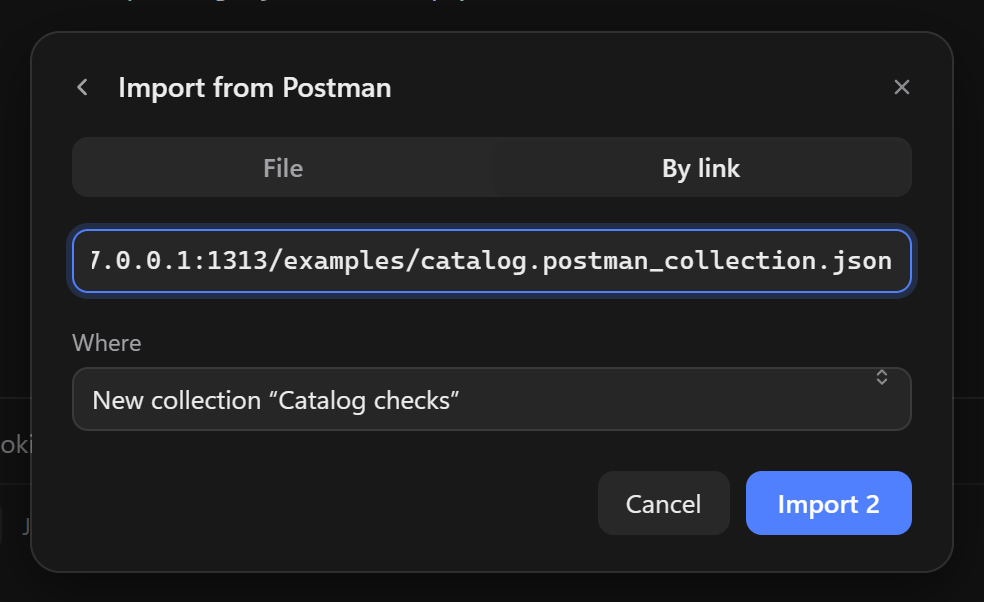
If the collection JSON is available at a URL, switch to By link, enter the URL, and press Enter to load the preview.
Import environments
Open Import → Postman again and choose the environment JSON. In the environment manager, review the imported variables and enter any values missing from your export. Use the environment menu in the title bar to select the imported environment. In the sample, Catalog · Postman defines baseUrl as http://127.0.0.1:8787.
Verify requests
| Check | What to verify |
|---|---|
| Address and variables | Open one request and confirm that the host in the address resolves to the intended API. |
| Authorization | Check inherited settings and replace missing token values in the target environment. |
| File fields | Re-select upload files if the paths from the original machine are unavailable. |
| Scripts | Open the Scripts tab and run an example request. Compare the outcome with Postman and adjust calls that depend on its runtime. See the Schemo script reference. |
Send and compare
For the sample, open Products → List audio products and select Send. Check for 200 OK, two products, and a passed test in the response Scripts tab. Then send Read inventory and inspect the included categories. Once both requests pass, run the collection against the imported environment.