
Paste query parameters and headers in bulk
Turn spreadsheet columns, a query string, or copied headers into editable rows.
If an endpoint needs several fields, copy the names and values together. Schemo turns the paste into rows you can edit or disable individually.
Paste parameters
- Start the Catalog API and open
GET {{baseUrl}}/products. - In a spreadsheet, put
categoryandlimitin the first column andaudioand2in the second. Select and copy both rows without the heading row. - In Schemo, open Params, focus the row editor, and paste with Cmd/Ctrl + V. Check the two enabled rows and the query string in the address bar.
- Send the request. The category filter returns the two audio products. The demo ignores
limit, so you can use its row to practise toggling or removing a parameter.
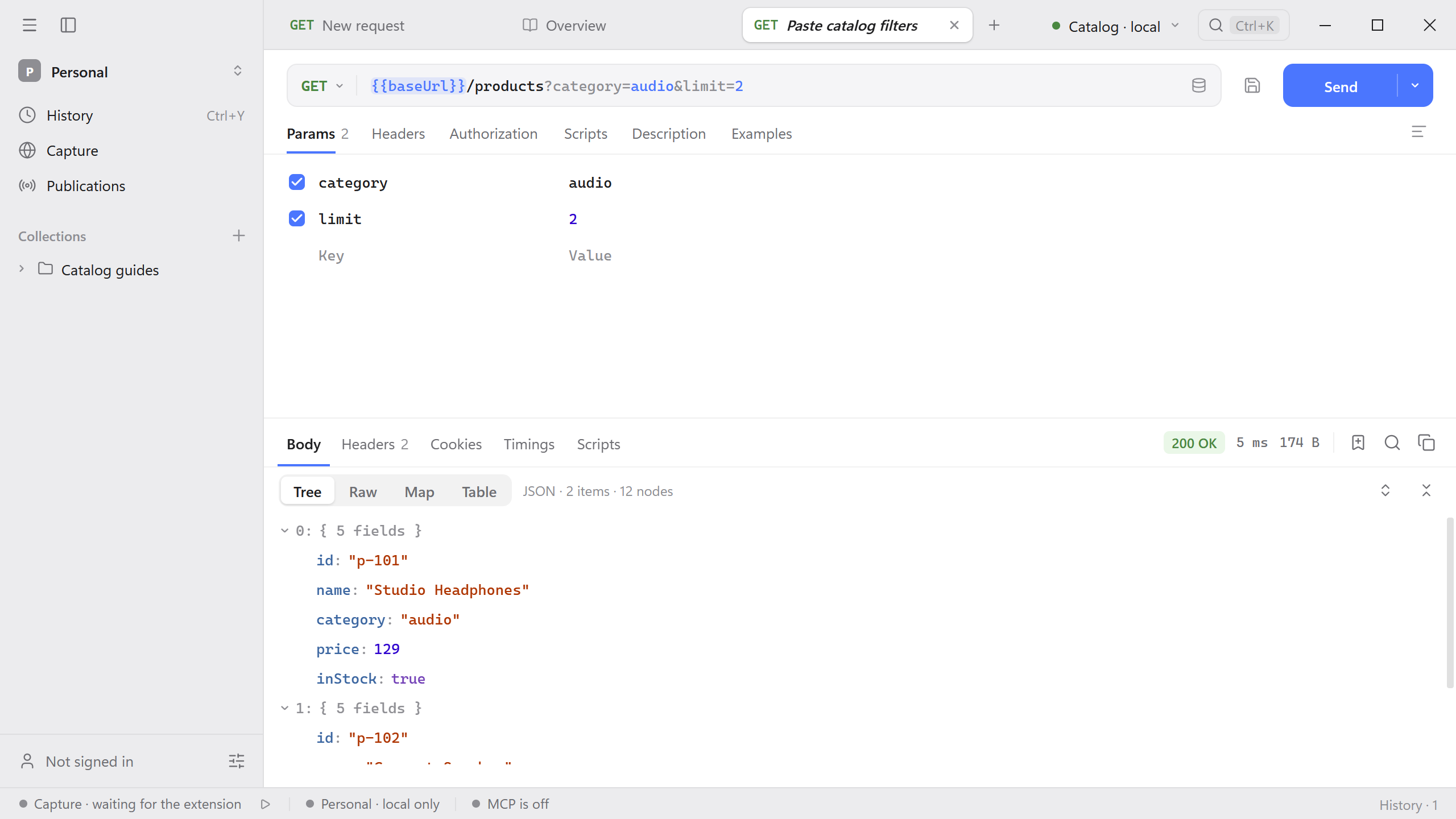
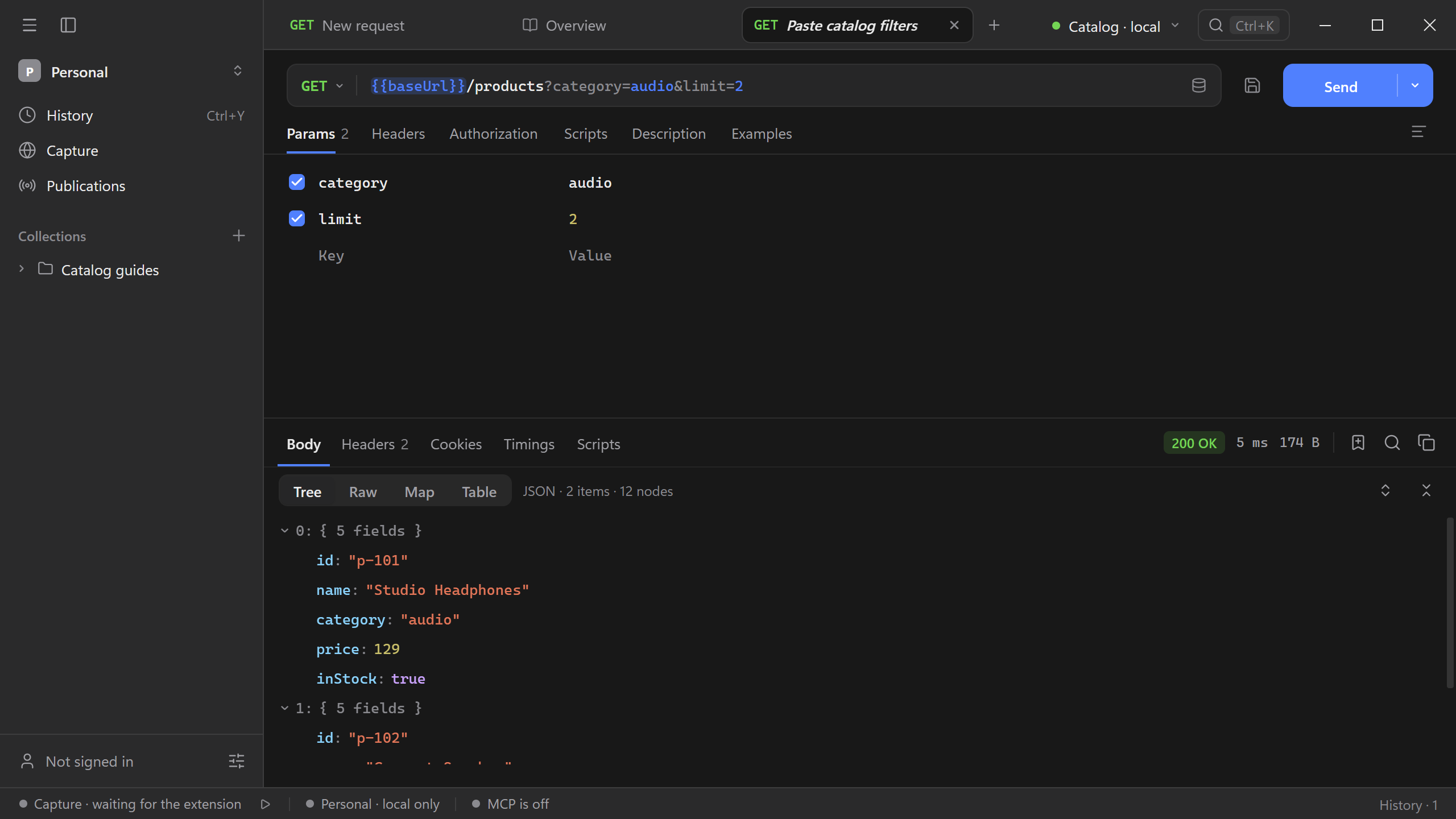
You can also copy ?category=audio&limit=2 or a full URL and paste it into Params. This imports the query fields while keeping the request’s current endpoint. New parameter rows append, including repeated names.
Paste headers
Open Headers and paste these two lines into its row editor.
Accept: application/json
X-Demo-Trace: catalog-docs
The same pane accepts the header fields copied from a cURL command. When a pasted header has the same name as an existing one, Schemo replaces the existing entry regardless of capitalization. If you want to edit the whole set as text, use Bulk edit and then return to the table to check the rows.