
Turn a response value into a regression check
Generate a test from a JSON value and run it with the saved request.
When a response contains a value your UI or integration depends on, use the value itself to generate a post-response check.
- Start the Catalog API. Save a GET request to
{{baseUrl}}/account. Set its API key in Authorization, with nameX-API-Key, placement Header, and valuecatalog-demo. - Send the request. In Body → Tree, open the node actions for
roleand choose Add a script assertion. - Open the request’s Scripts tab. The generated post-response check compares
rolewith the observed valuereader. Save the request. - Send it again and open the response Scripts tab. The assertion should pass. You can run the same check with other requests in a collection run.
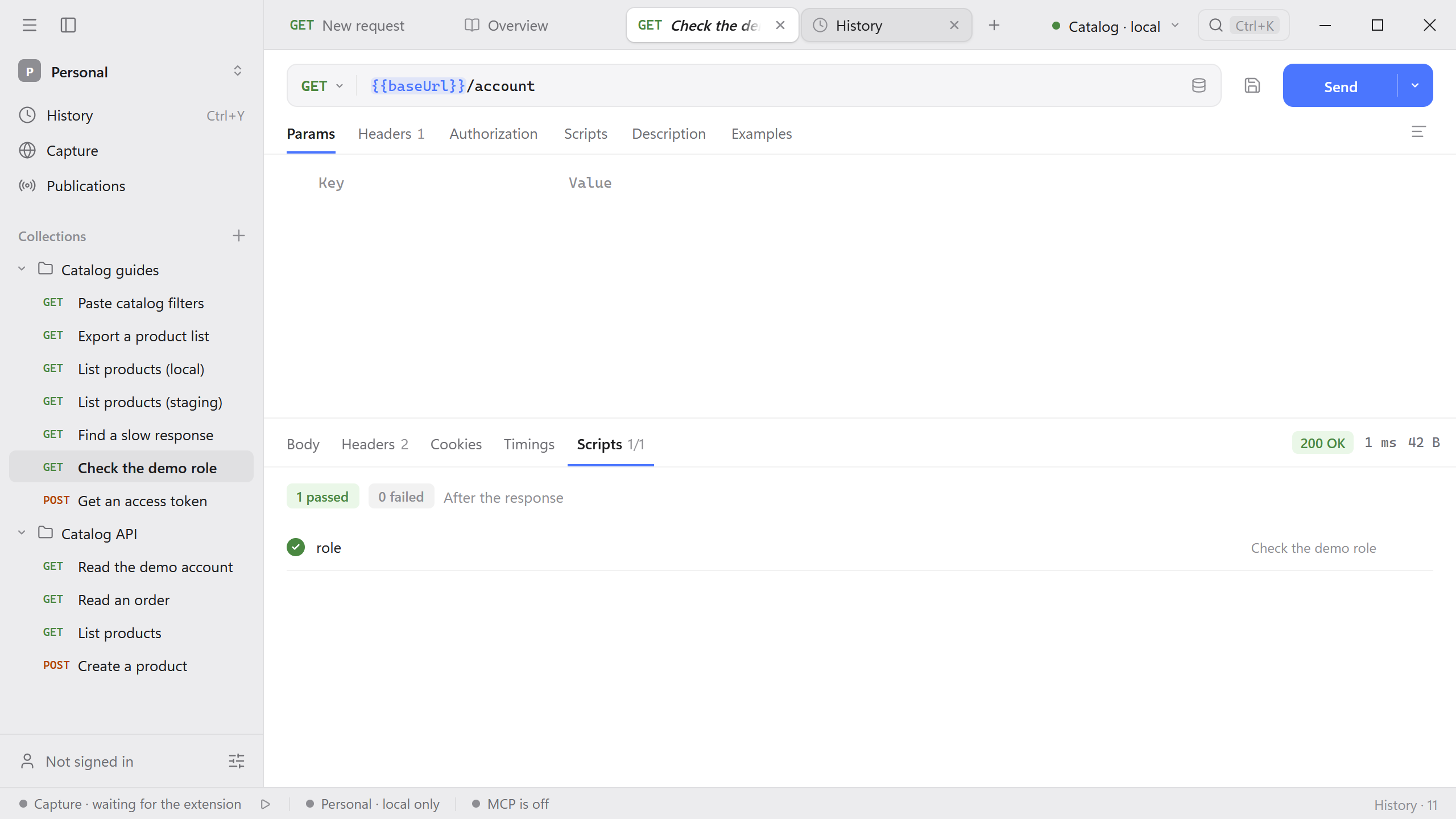
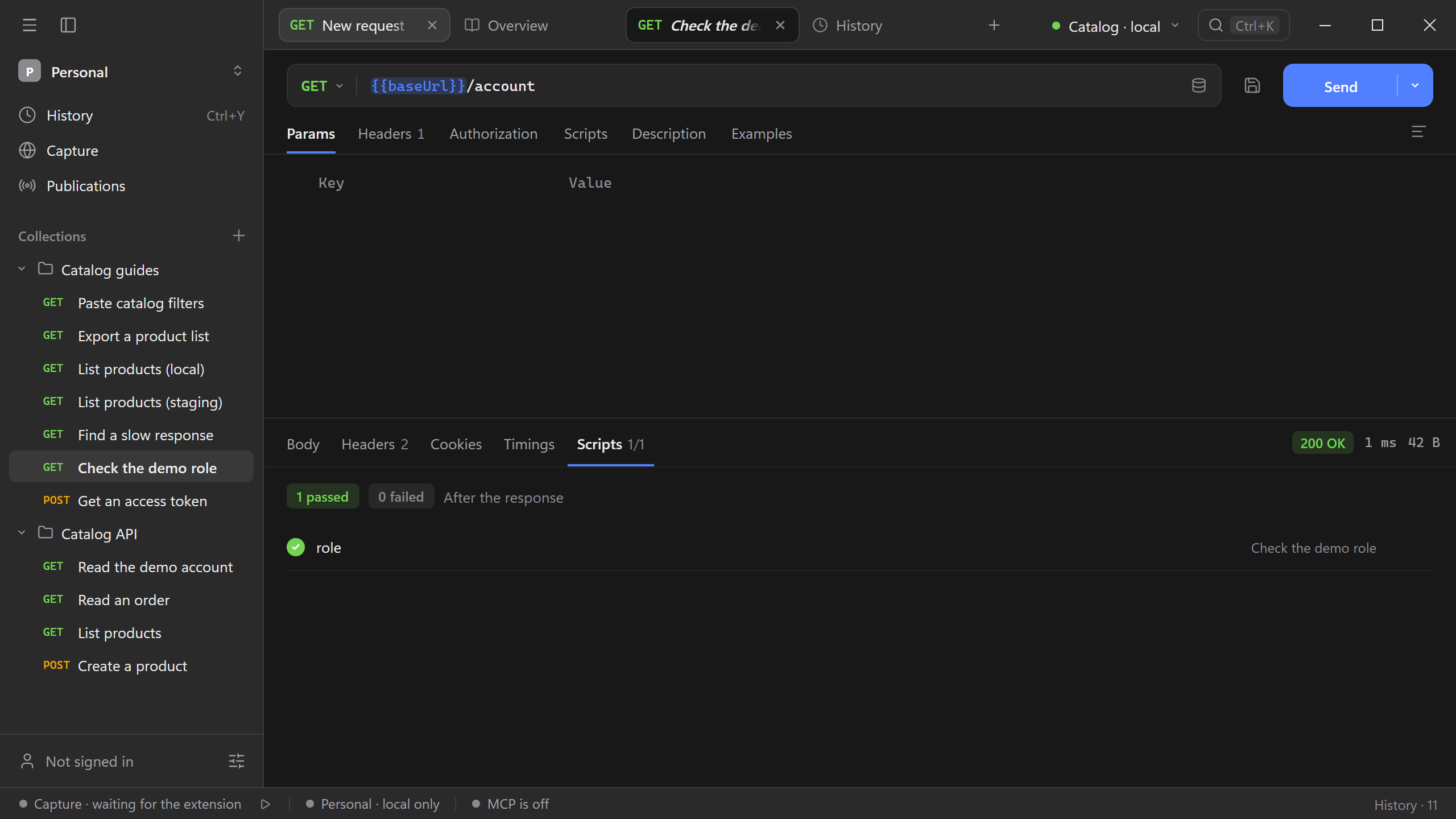
Use Copy for JavaScript from the same menu if you want the expression for a more specific test. For expected behavior that varies across environments, read the expected value from a variable instead of hard-coding it. See the script reference.