
Settings reference
Every page of Settings, from request defaults and proxies to certificates, appearance, and updates.
Open Settings with Cmd/Ctrl + , or from the sidebar. Type in Search settings to find an option by name or by a related word, such as timeout, proxy, or theme, and press Enter to open the first match.
General
| Setting | Effect |
|---|---|
| Reopen the last workspace | Starts in the workspace you used last. |
| Restore tabs | Reopens your tabs after a restart, with their order and pinned state. |
| Wrap long lines | Wraps lines in request bodies and the raw response. |
| Show line numbers | Shows a line-number gutter in editors. |
| Indent | Uses 2 spaces, 4 spaces, or a tab when formatting JSON and XML. |
| Interface language | English, Russian, or the system language. |
| Validate SSL certificates | Rejects HTTPS servers with an invalid certificate. Leave it on: turning it off applies to every workspace. |
| Trust self-signed certificates for localhost | Accepts self-signed certificates on localhost, 127.0.0.1, and ::1 while validation stays on elsewhere. |
| Root certificates | Adds a .pem CA for a corporate network that intercepts TLS. Remove a CA to stop trusting it. |
Appearance
| Setting | Effect |
|---|---|
| Theme | Light, dark, or the system theme. |
| Accent colour | Blue, purple, green, orange, red, or graphite for buttons, selection, and active tabs. |
| Interface scale | Small, medium, or large. Cmd/Ctrl + = and Cmd/Ctrl + − change it from anywhere. |
| Code font | JetBrains Mono, Cascadia Code, Fira Code, or the system monospace font, and its size, for JSON, headers, and scripts. |
Keyboard shortcuts
Reassign or reset a command’s combination. See Keyboard shortcuts.
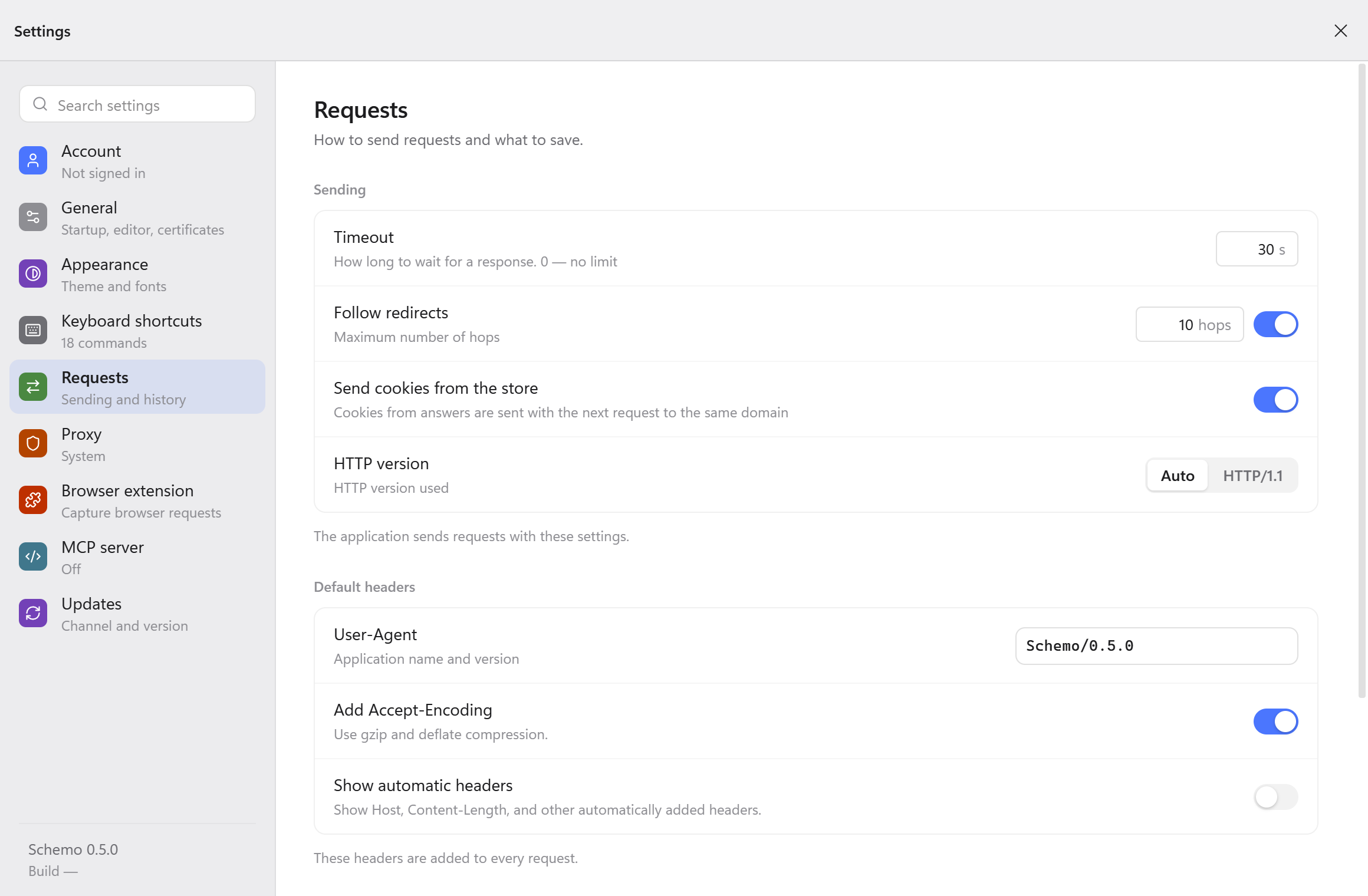
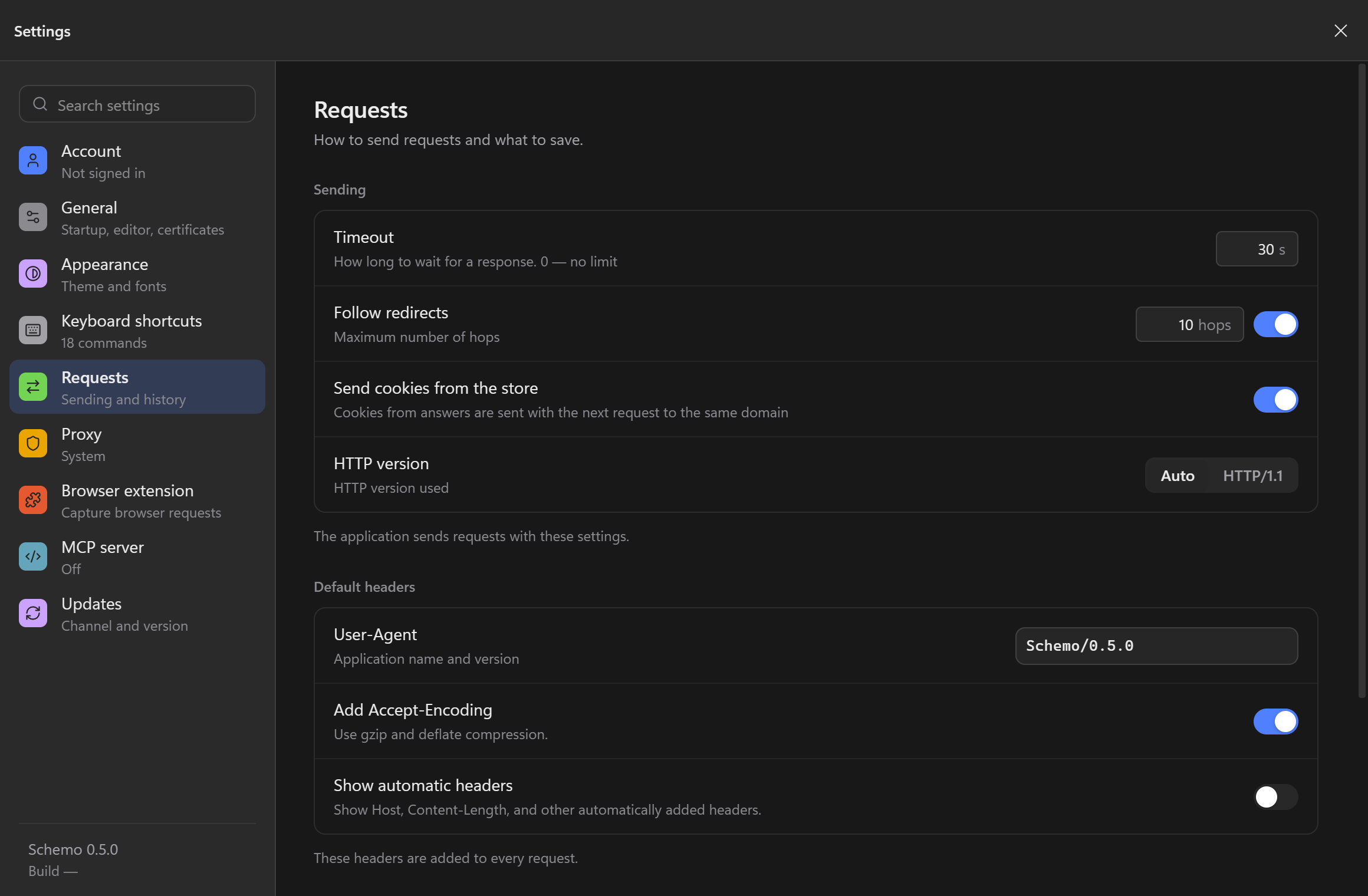
Requests
Check these values when Schemo and another client get different responses from the same endpoint.
| Setting | Effect |
|---|---|
| Timeout | How long to wait for a response, in seconds. 0 means no limit. |
| Follow redirects | Follows up to the set number of hops. Turn it off to see a 3xx status and its Location header as they came. |
| Send cookies from the store | Sends cookies saved from earlier responses to the same domain. See Cookies. |
| HTTP version | Auto negotiates the version. Choose HTTP/1.1 to investigate a server or proxy that behaves differently with HTTP/2. |
| User-Agent | Sends the application name and version. |
| Add Accept-Encoding | Asks for gzip and deflate compression. |
| Show automatic headers | Lists Host, Content-Length, and other headers the app adds in the request’s Headers. |
| Keep request history | Keeps history on this device for 7 days, 30 days, or forever. |
| Clear history now | Shows how much the history takes up and deletes it, bodies included. |
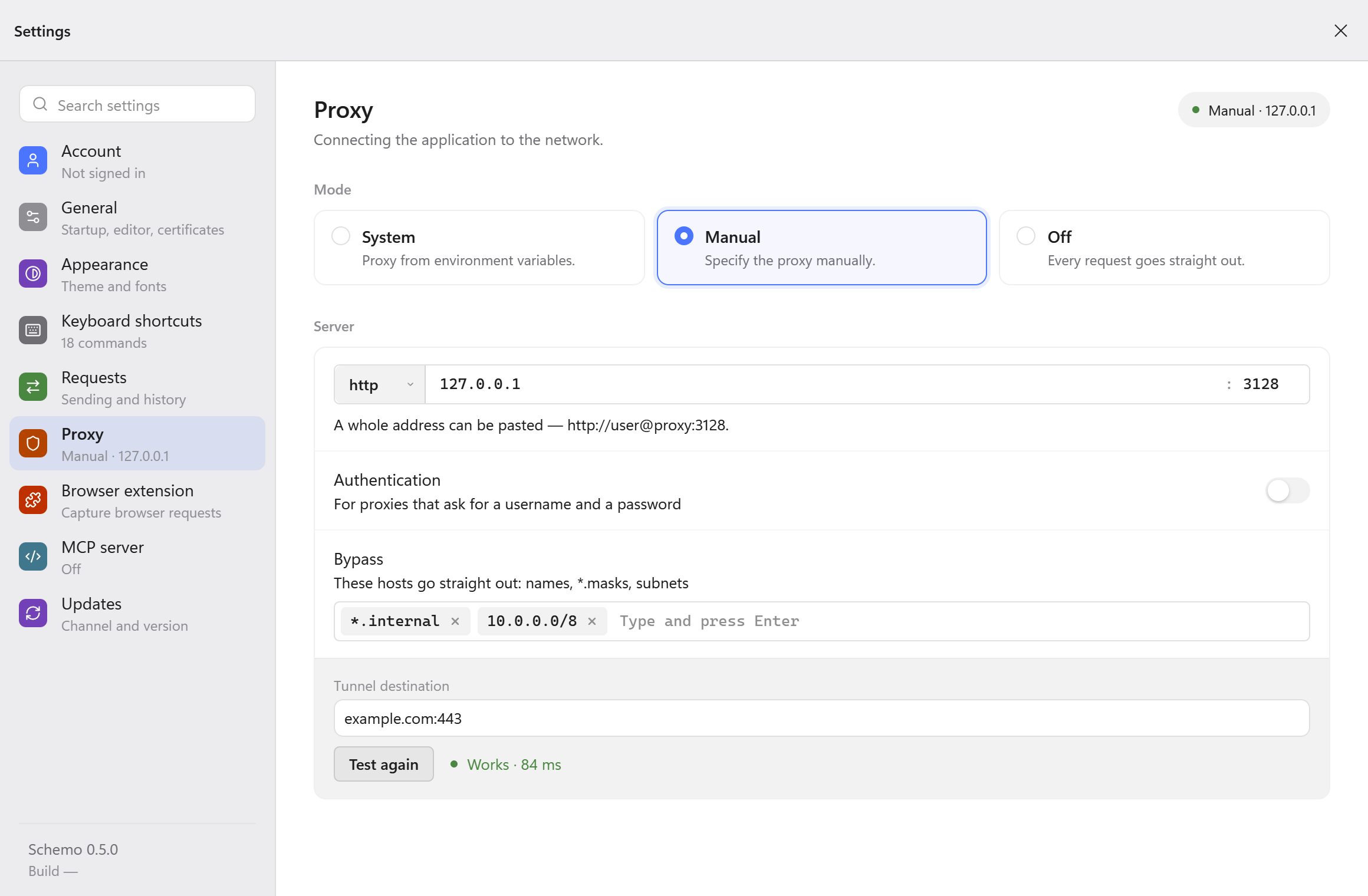
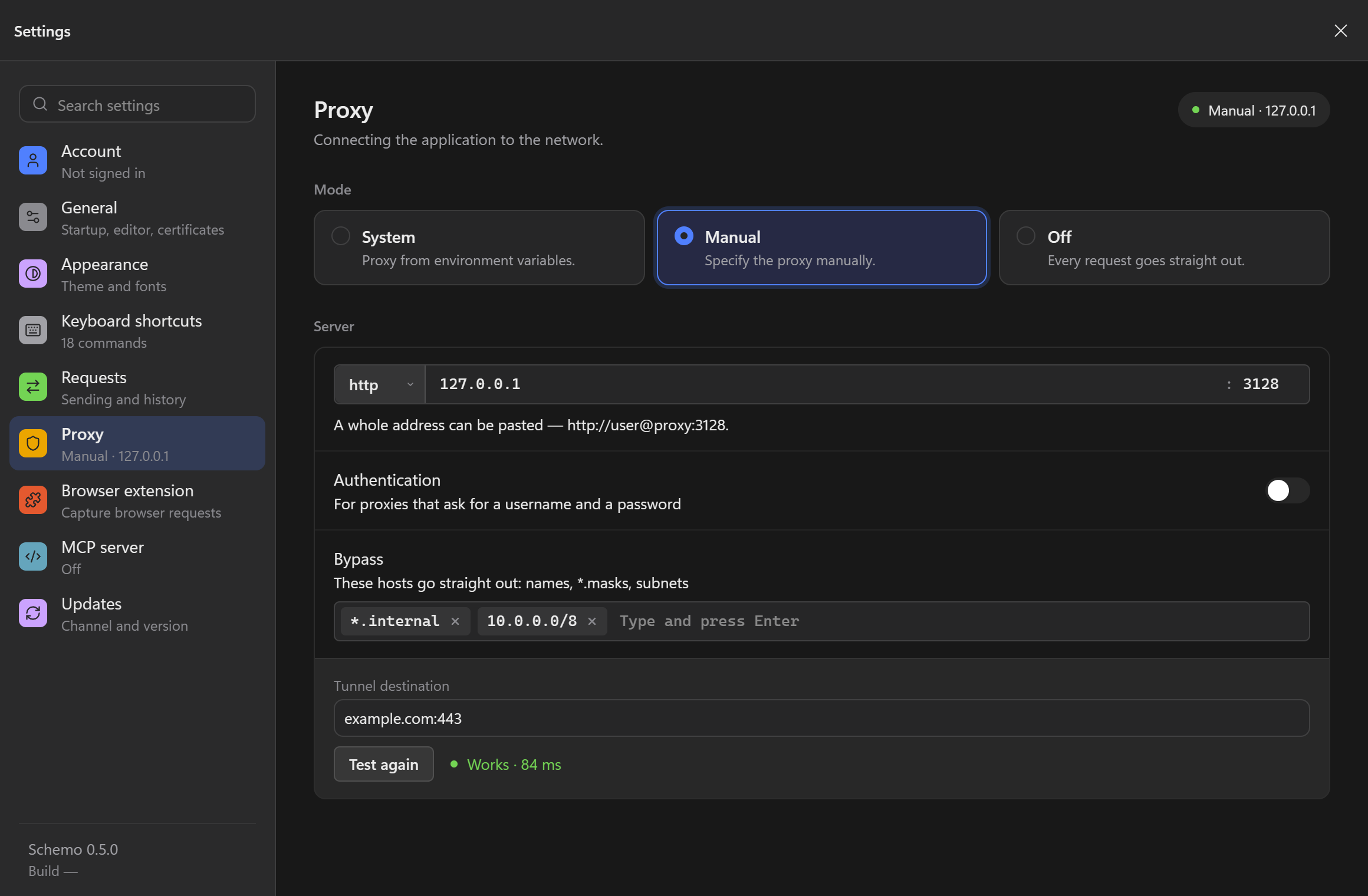
Proxy
| Mode | Effect |
|---|---|
| System | Uses HTTP_PROXY, HTTPS_PROXY, and NO_PROXY. Schemo shows the values it found. They are read at launch, so restart Schemo after you change them. |
| Manual | Uses the proxy you enter. |
| Off | Sends every request directly and ignores the environment variables. |
For Manual, choose http, https, or socks5 and enter the host and port, or paste a whole address such as http://user@proxy.example.com:3128. Turn on Authentication if the proxy asks for a username and password. Under Bypass, add hosts that should go directly: names, masks such as *.internal, or subnets.
Use Test the connection to open a tunnel through the proxy to a destination you choose. Schemo reports the time it took, or whether the proxy asked for credentials or refused the tunnel.
For a connection that fails before the API responds, follow Diagnose TLS and proxy errors.
Browser extension
Install Schemo Bridge for Chrome, Firefox, or Edge, then choose how it captures.
| Setting | Effect |
|---|---|
| Connect automatically | Connects whenever both the browser and Schemo are running. |
| Remember tabs | Arms capture again on the same addresses after the browser restarts. |
| Hosts | Every site, or Only the list of hosts such as api.example.com or *.example.com. |
| Skip static files | Drops images, fonts, styles, and scripts. |
| Skip analytics | Drops metrics, pixels, and trackers. |
| JSON responses only | Keeps only JSON responses. |
Filtered requests are dropped in the browser and never reach Schemo.
MCP server
Lets AI agents on this computer use your workspaces. See MCP.
Updates
| Setting | Effect |
|---|---|
| Check now | Checks for a new version. Release notes shows what changed in the installed version. |
| Update channel | Stable releases are checked, about once a month. Beta builds come more often and may contain bugs. |
| Check for updates automatically | Checks in the background and shows when it last checked. |
| Download in the background | Downloads an update so Update and restart installs it at once. |
When an update is available, the status bar and the update window offer Update and restart, Remind me later, and Skip this version. Schemo verifies the update’s signature before installing it.
Account
Sign in to Schemo Cloud or a self-hosted server, and manage sync, devices, and your plan.